 Vini Studio
Vini Studio resources
Cases
How an idea becomes a video: real breakdowns — problem, solution, result.
Studio productions
Start with the result
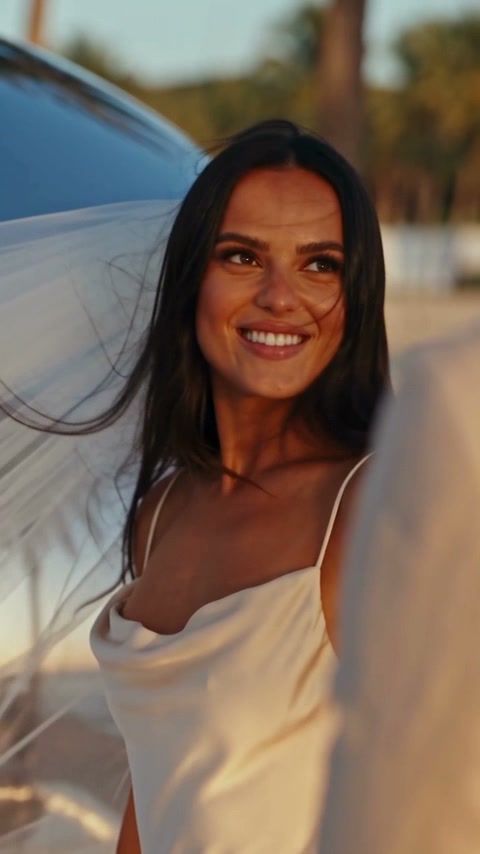
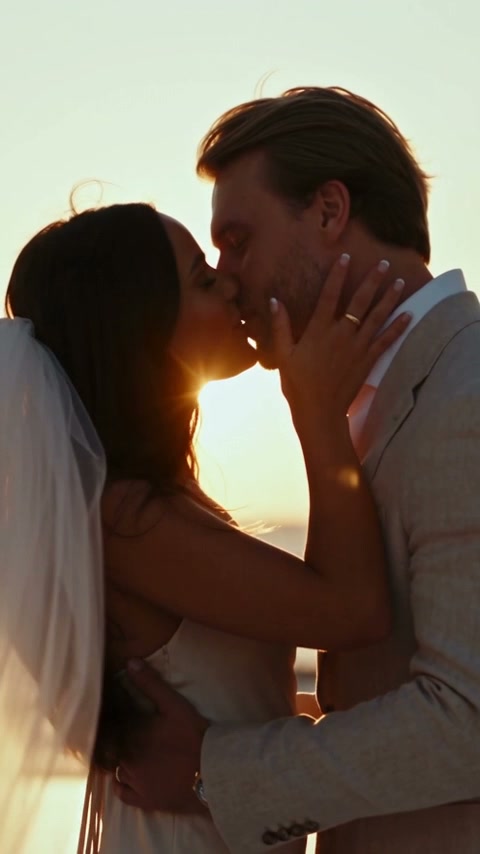
Light. Motion. One moment.
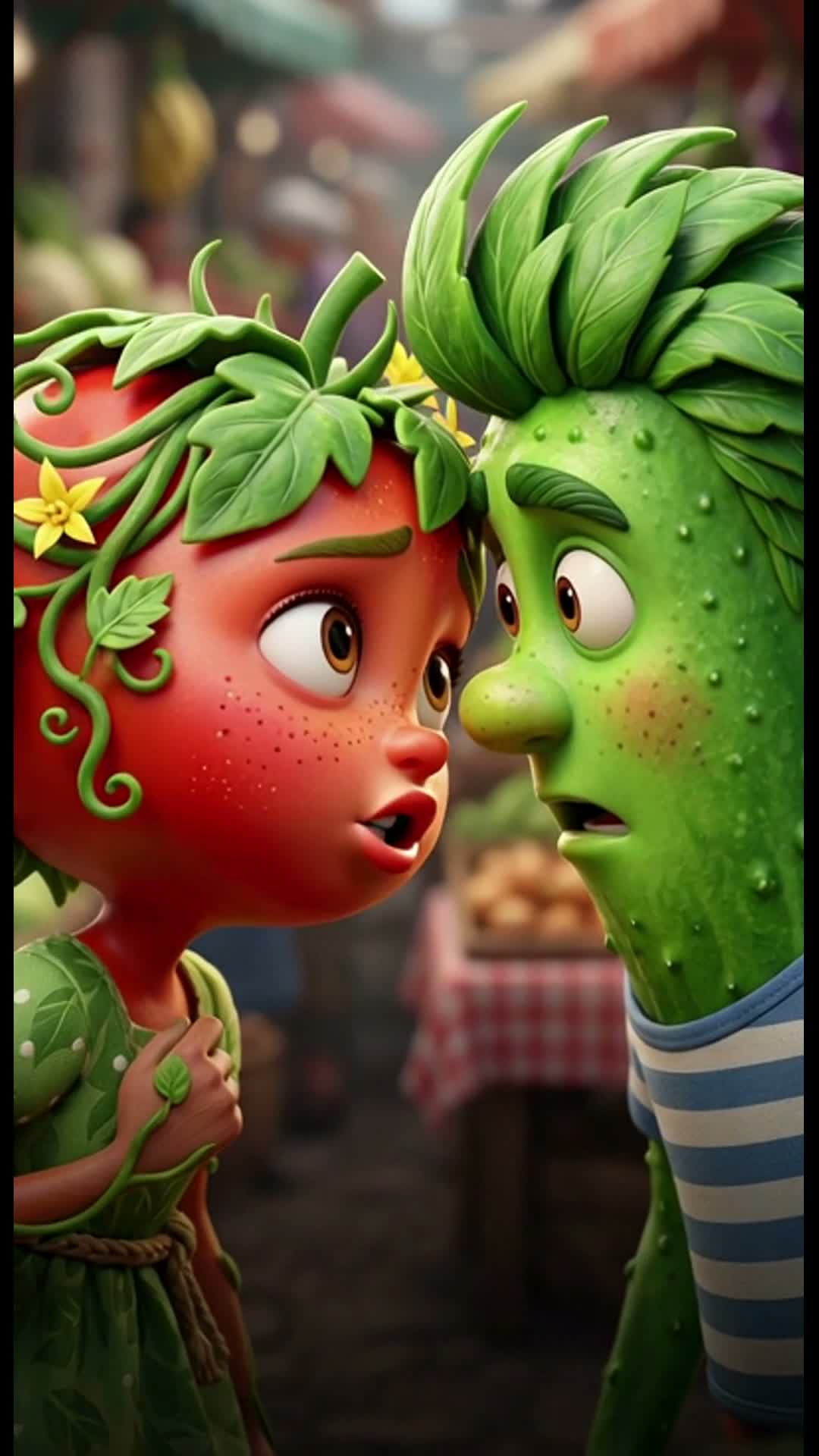
Photorealism and a cut shaped by music, building toward the kiss.
- Brief
- A short photorealistic story
- Result
- 15 seconds · audio · cut to music
Our own Vini Studio production
Watch the work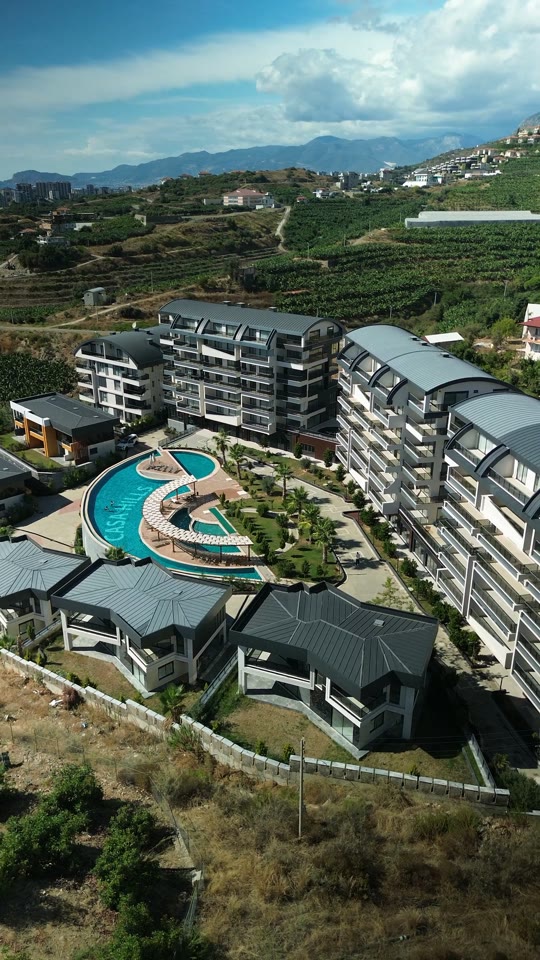
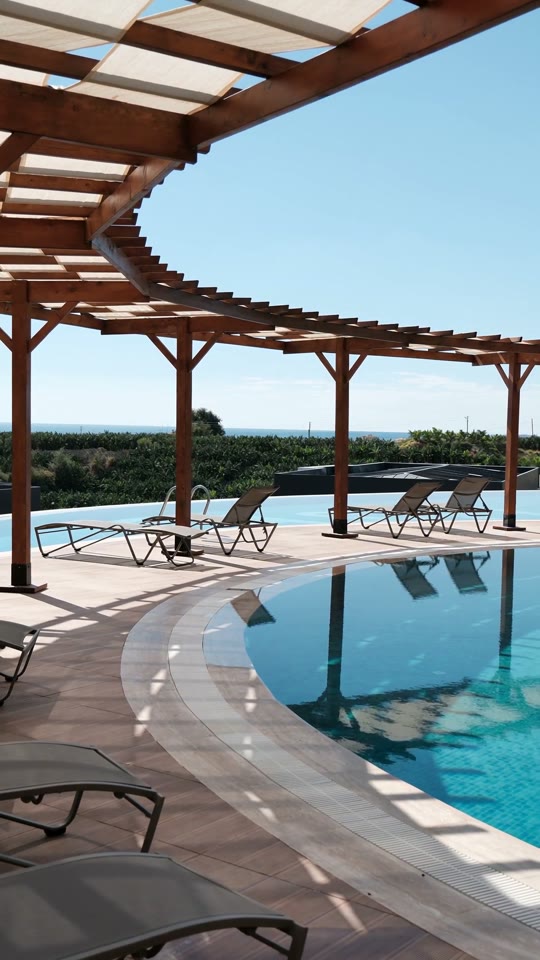
A residential development promo.
A finished photorealistic overview using client material: development views, amenities, narration and brand graphics.
- Brief
- Create a clear development presentation
- Result
- A 9:16 promo · Russian and English versions
Client project · EpiVibe
Watch the work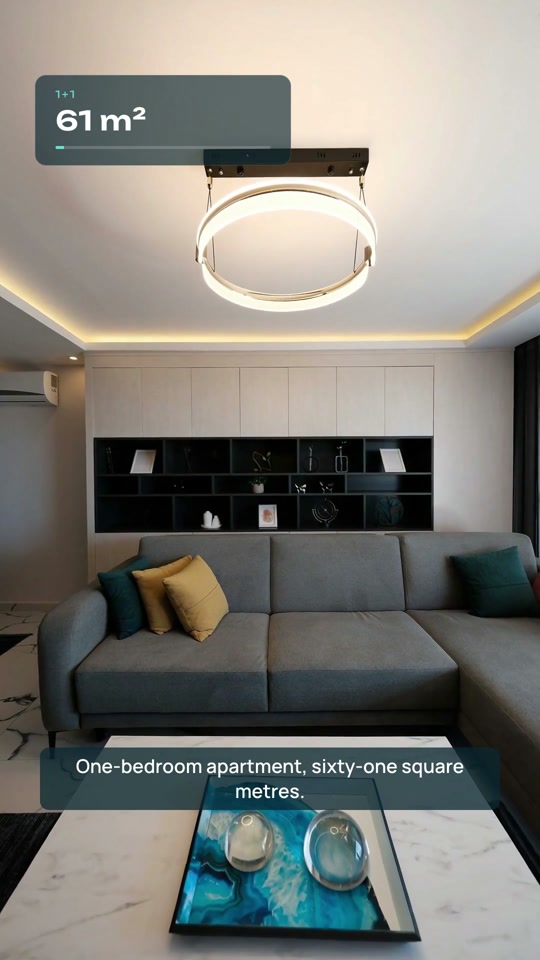
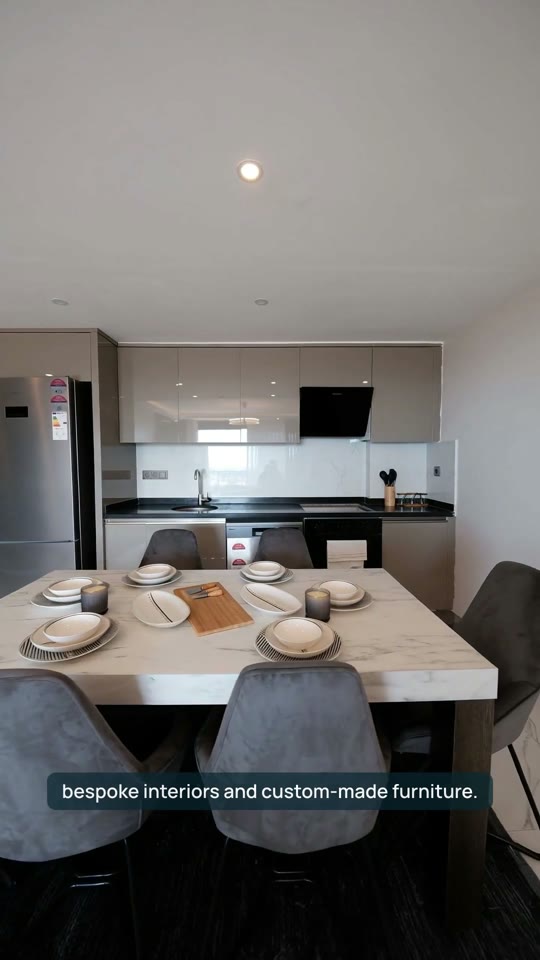
A property promo from photos.
A Casa Hills apartment promo made from client photographs and a floor plan, with camera movement, narration and editing.
- Brief
- Showcase an apartment using existing photographs
- Result
- A 9:16 promo · Russian and English versions
Client project · EpiVibe
Watch the work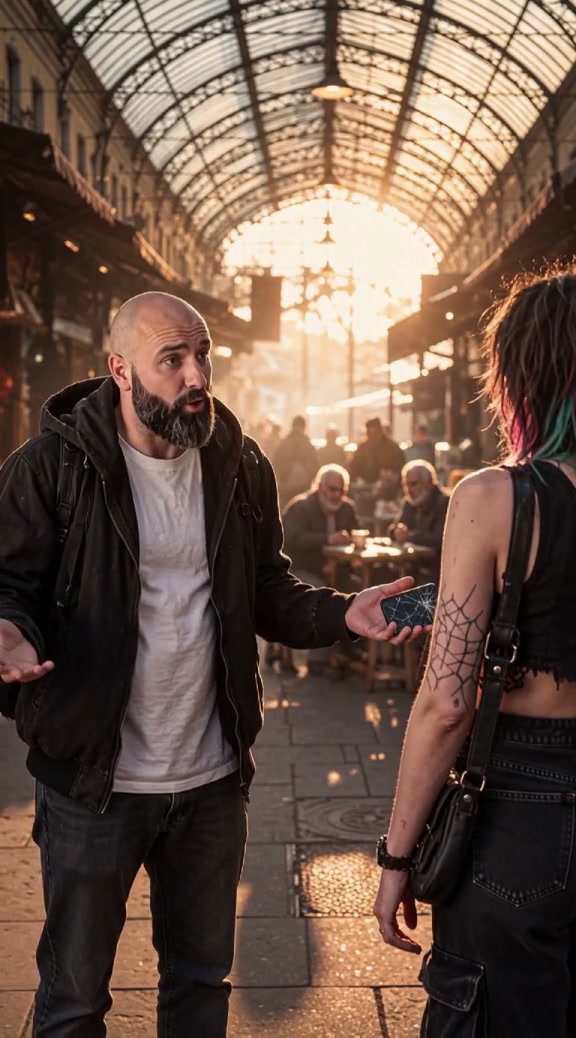
The details carry the story.
Dialogue, characters and scene continuity in our own studio production.
- Brief
- A story with characters and dialogue
- Result
- 10 scenes · around 67 seconds · English voiceover
Our own Vini Studio production
Watch the workTool walkthroughs
How it comes together
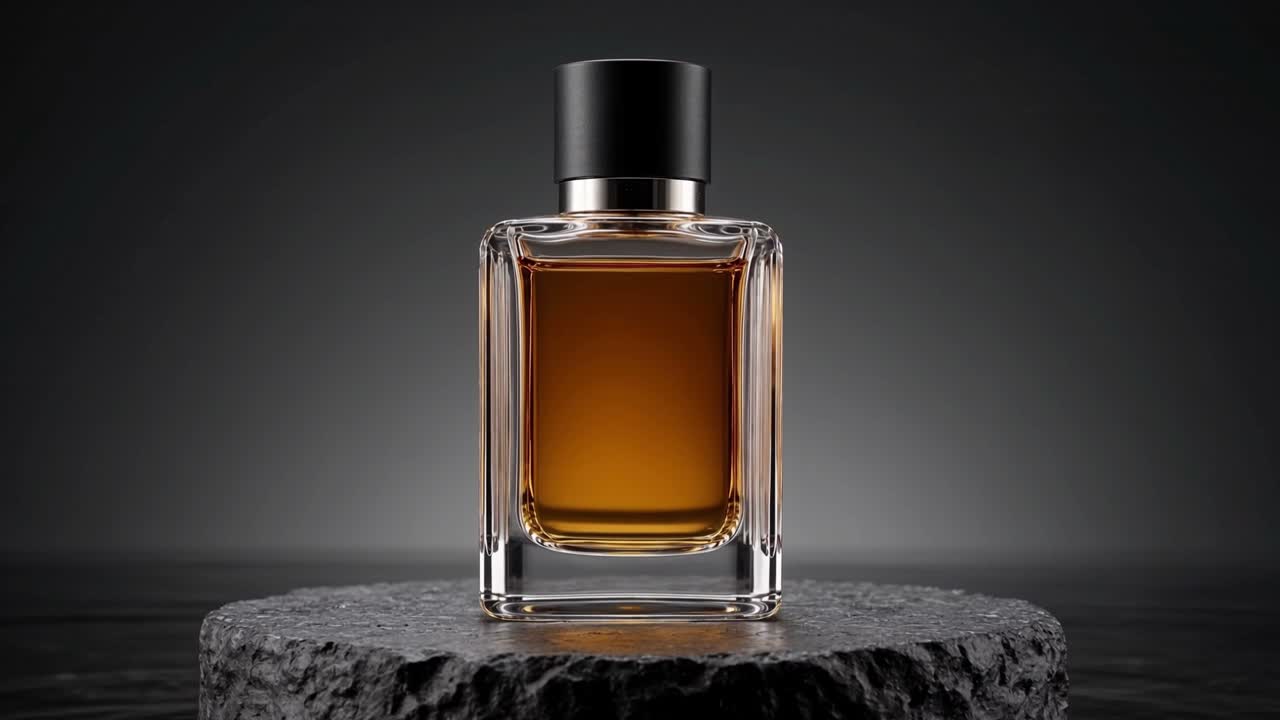
Kling 4: from reference to campaign
A product shoot with two reference views, camera movement, video editing and first/last frames. Complete source clips and Vini speaking English.
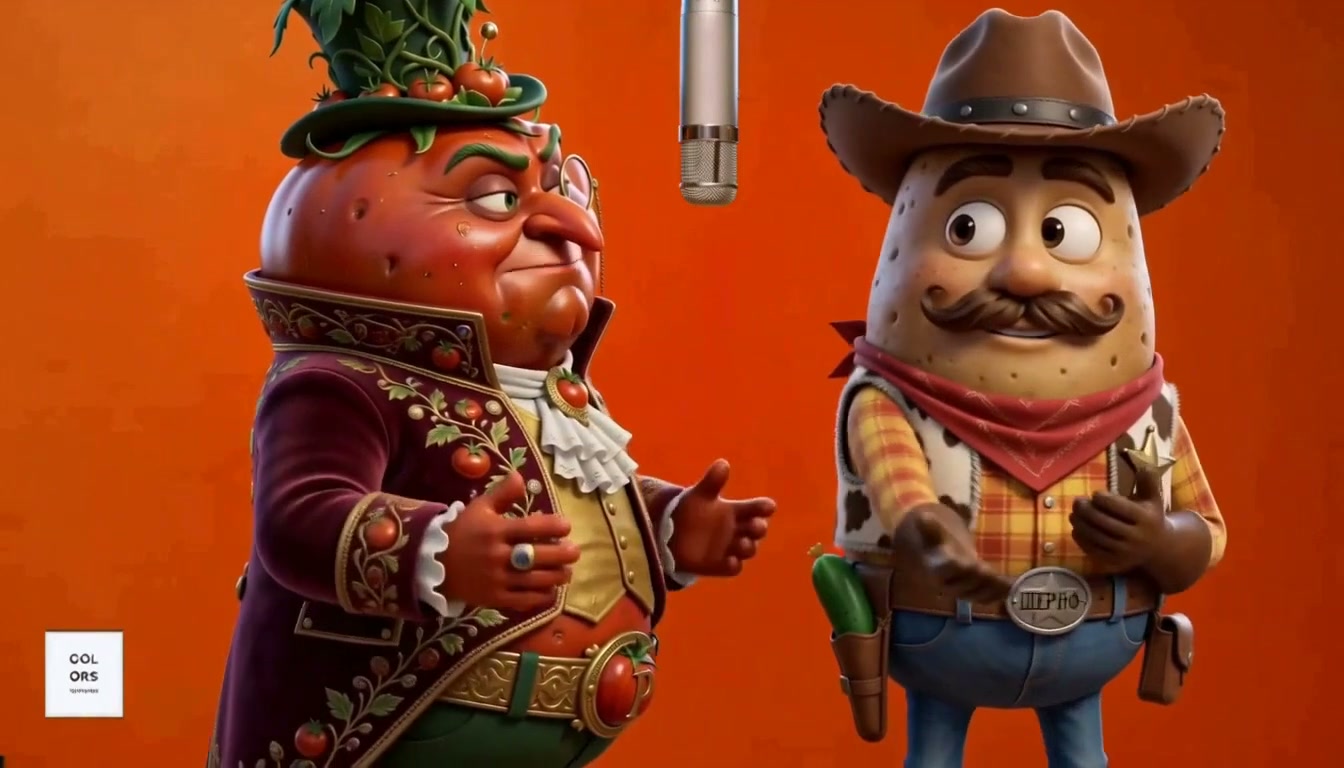
A trending format. Your own characters.
Take a recognizable format and make your own funny version. Tomato and Sheriff in a rap clip: a complete MiniMax Recast example.
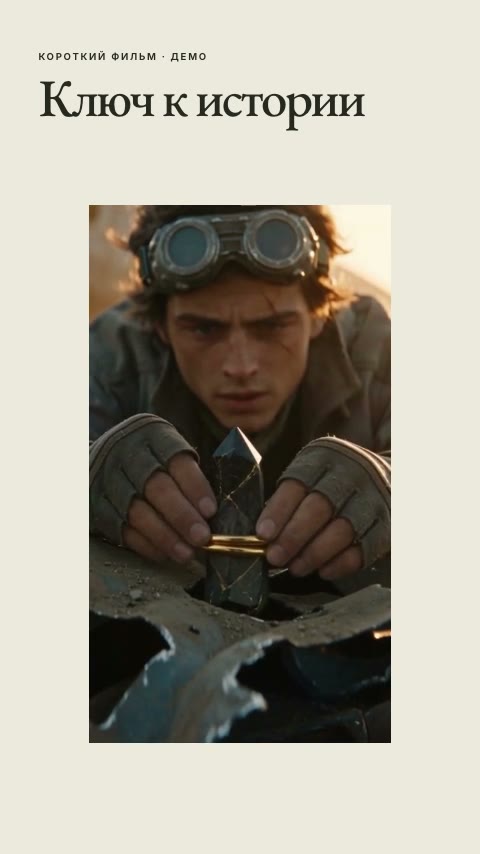
One film, different designs. Choose and save a series style
Three designs on one film: choose the approach, edit the composition, and save the style for future episodes.
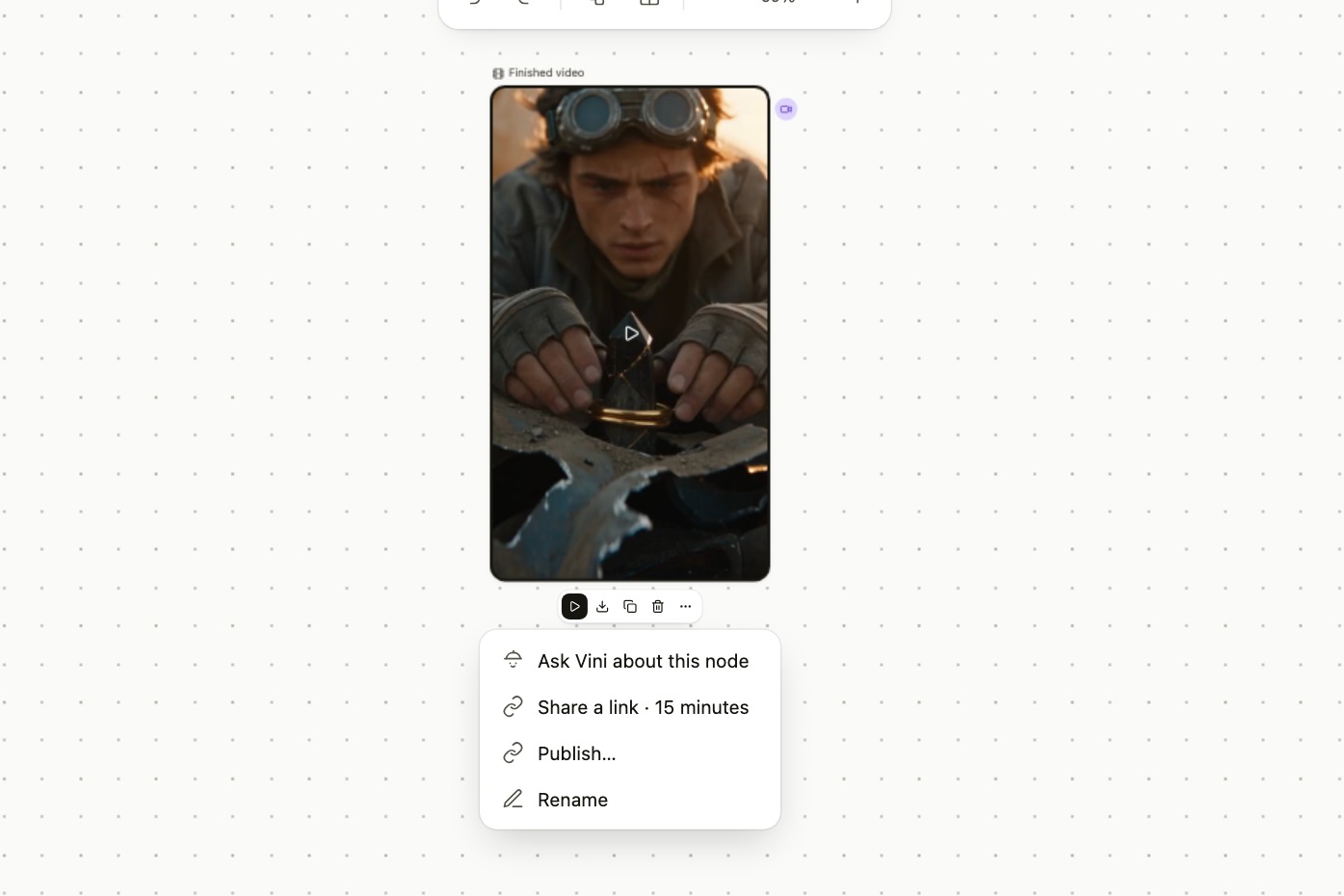
Send finished videos to TikTok and YouTube
Three workflows: send a video to both platforms, finish a TikTok post, or upload to your YouTube channel and check its actual visibility.
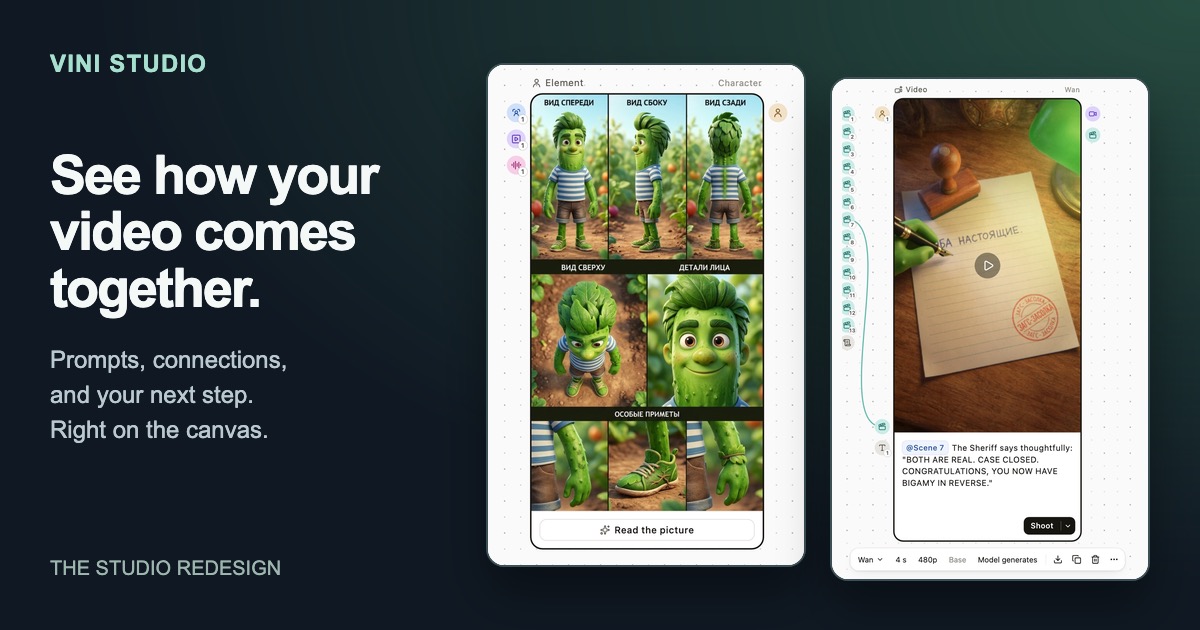
The new Vini Studio: see how your video comes together
Prompts on the cards, visible sources, and actions in everyday language. Six practical moments in the redesigned studio, inside the Garden City project.
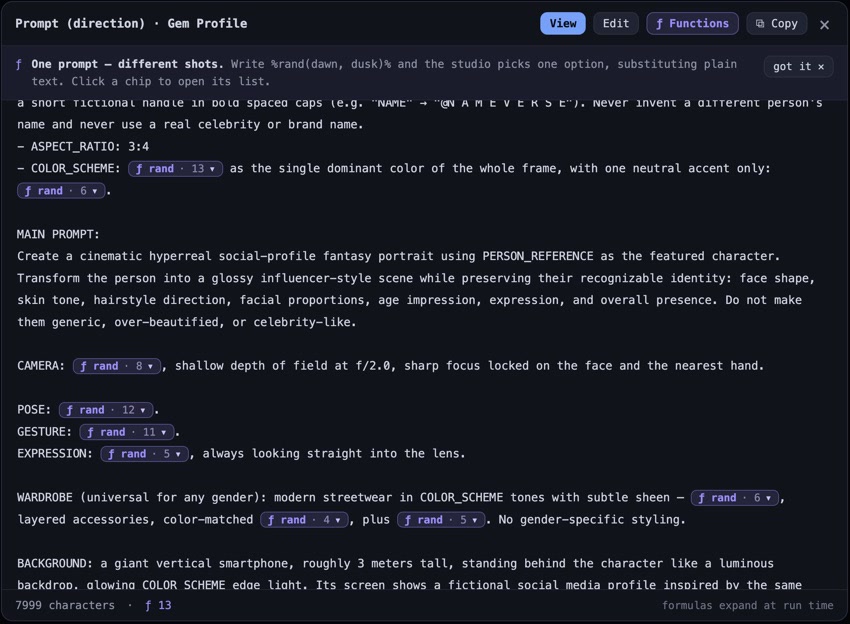
Random prompt variants: GEM Profile
Use %rand(a, b)% in the Vini Studio prompt editor to vary words and phrases, colors, poses, and lighting. A step-by-step guide with the GEM Profile recipe.
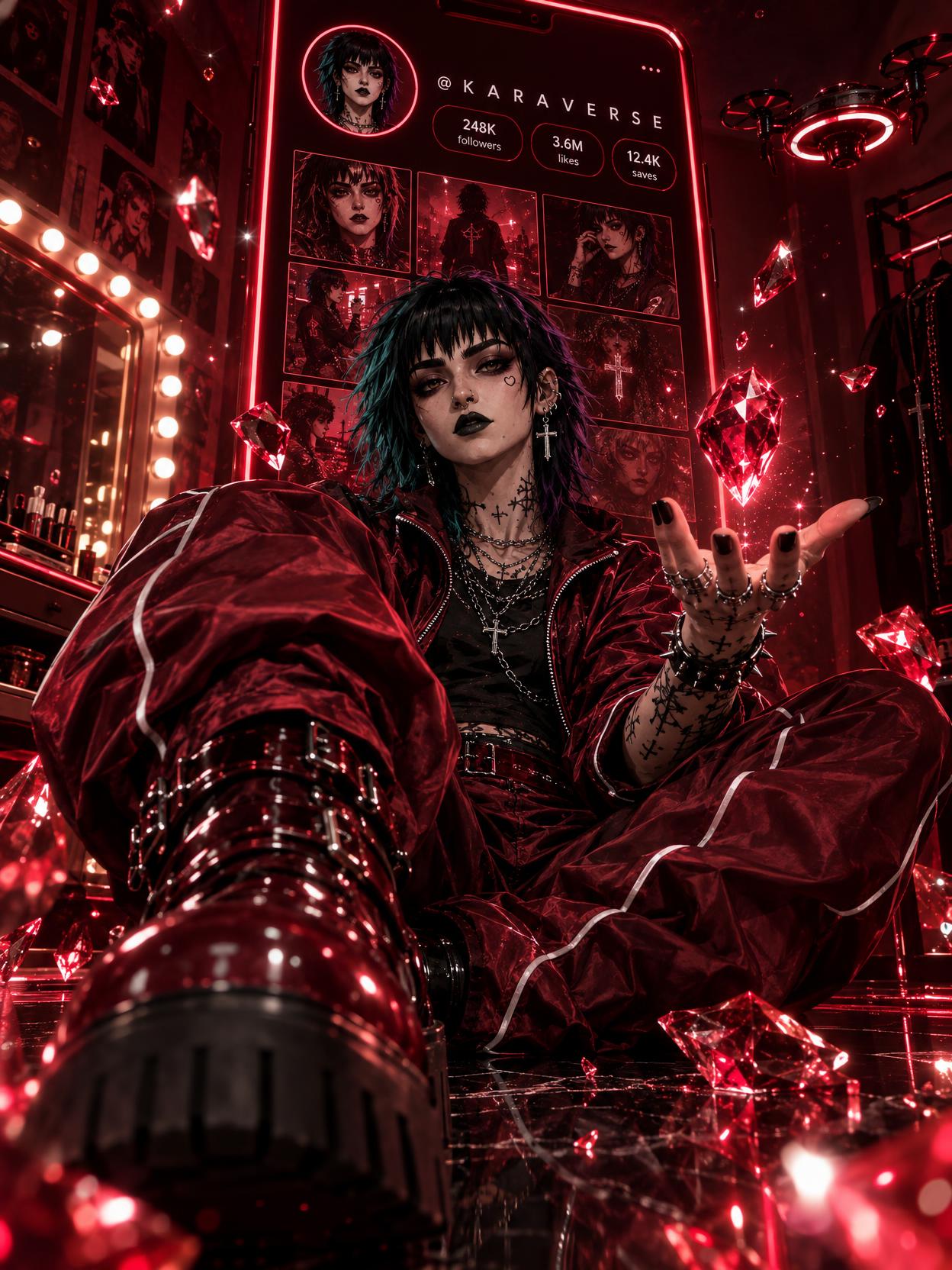
GPT Image 2.5: character style for social media
GPT Image 2.5 prompts, references, and quality settings through Kara and Rave. Try the Gem Profile recipe with your own character in Vini Studio.
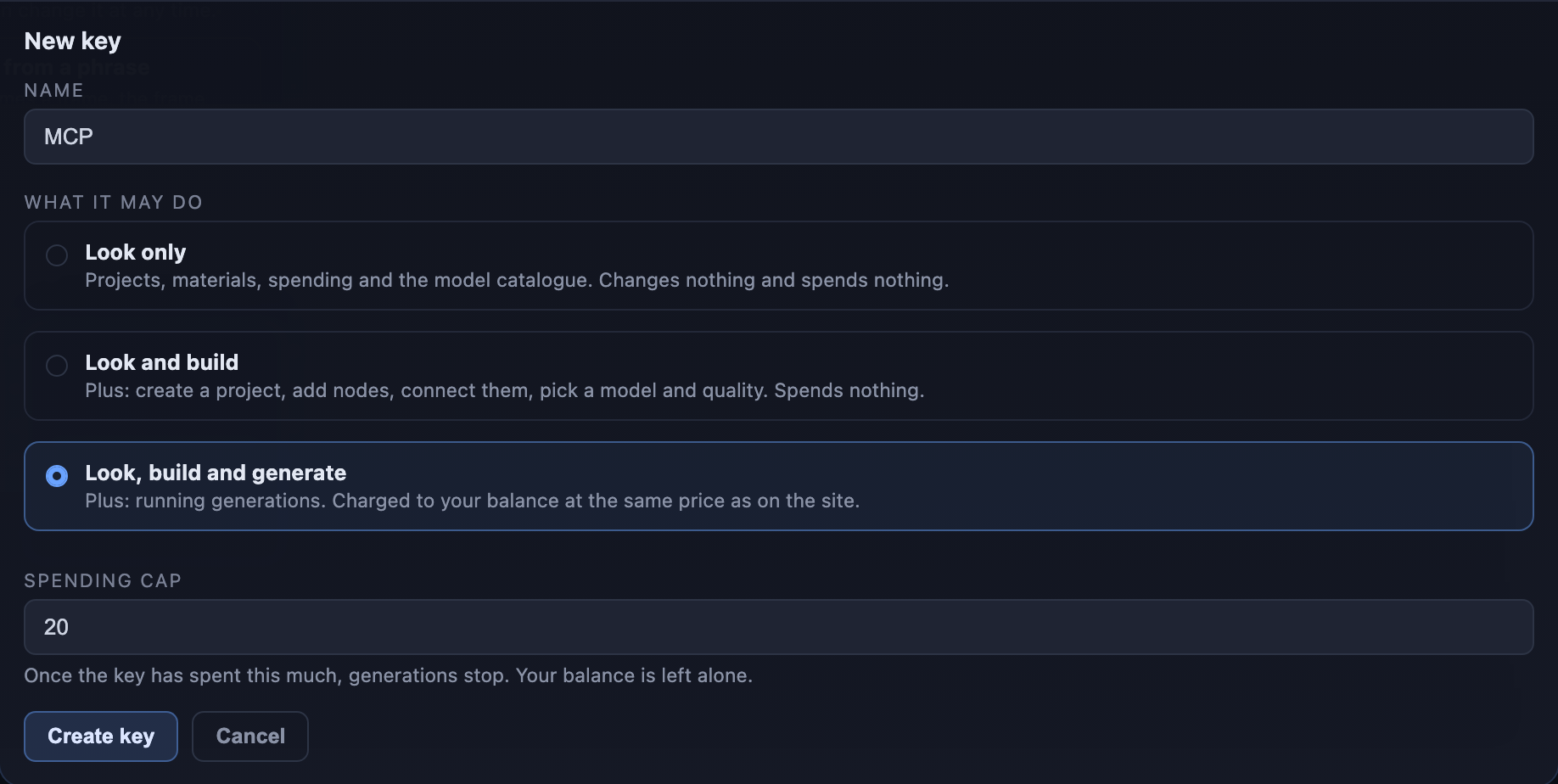
MCP: connect your agent to Vini Studio
Projects, graphs, and generations from your agent. Connect through MCP, choose key permissions, and manage spending.
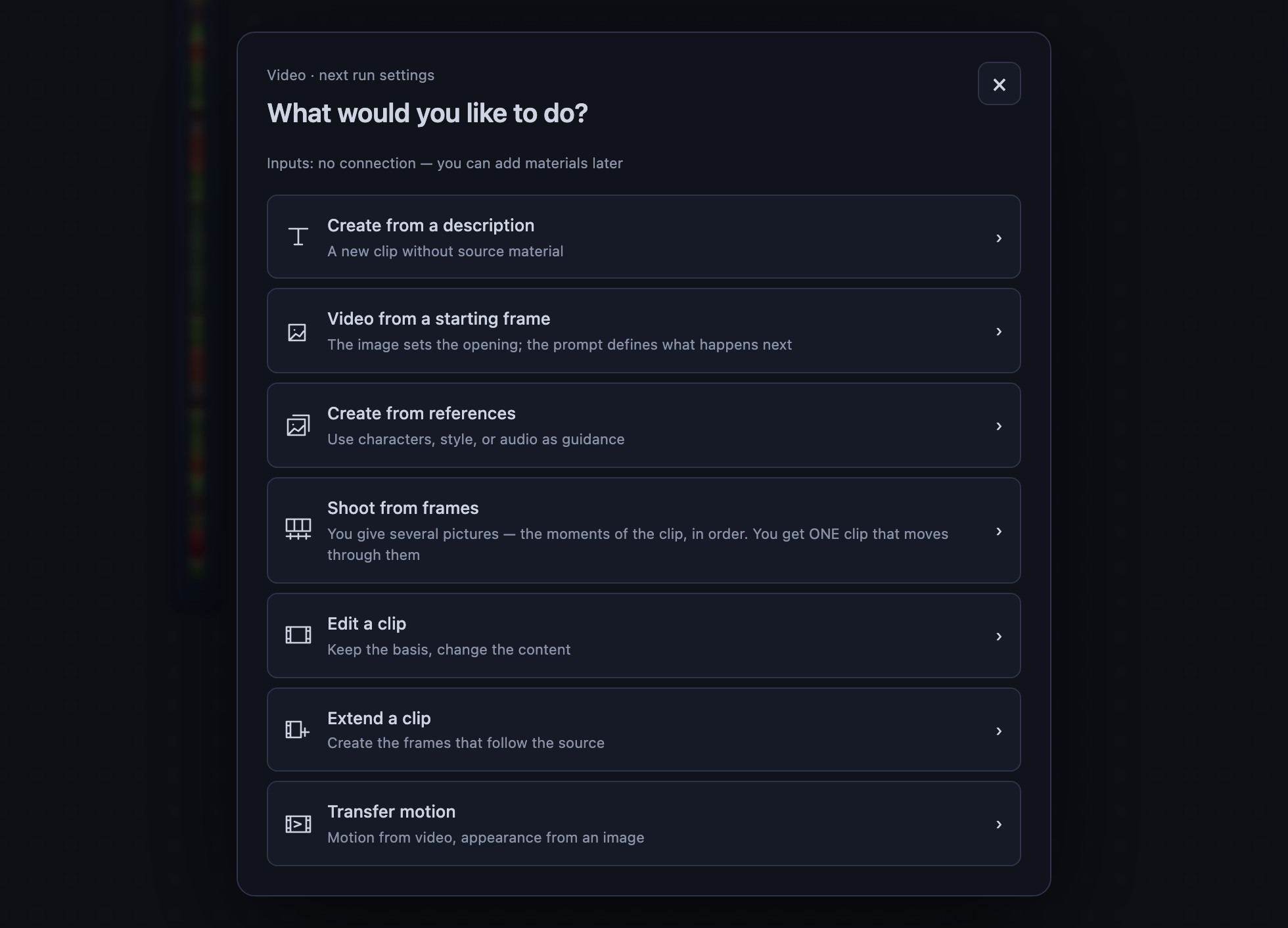
Start with the task. Then choose the model
All nine roles: what to connect, what to choose, and what you get. Keyframes, references, editing, extension, recasting, post-production and Avatar.
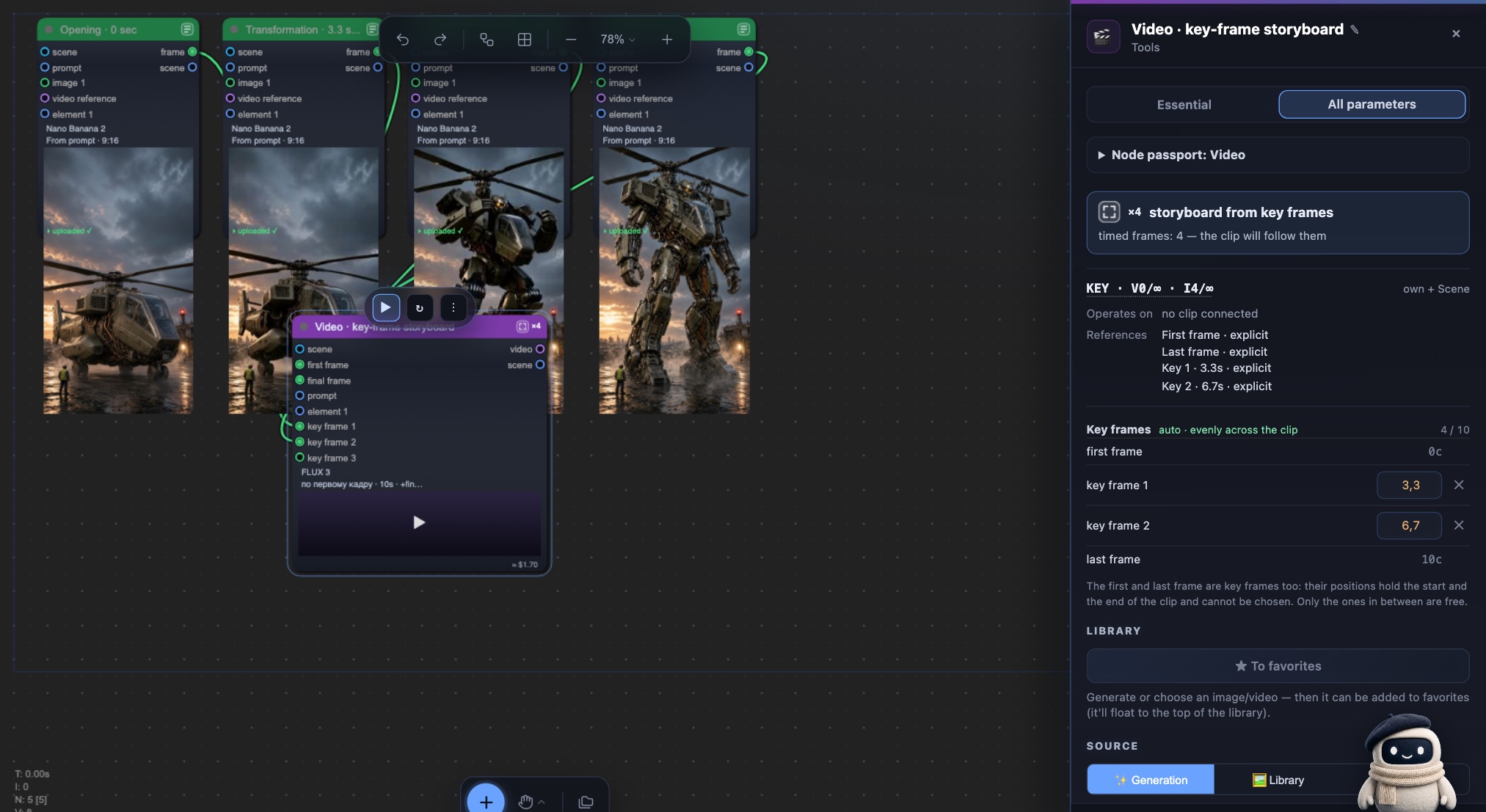
AI video keyframes: put every beat on the timeline
Opening, intermediate states, and ending become one timed FLUX 3 storyboard.
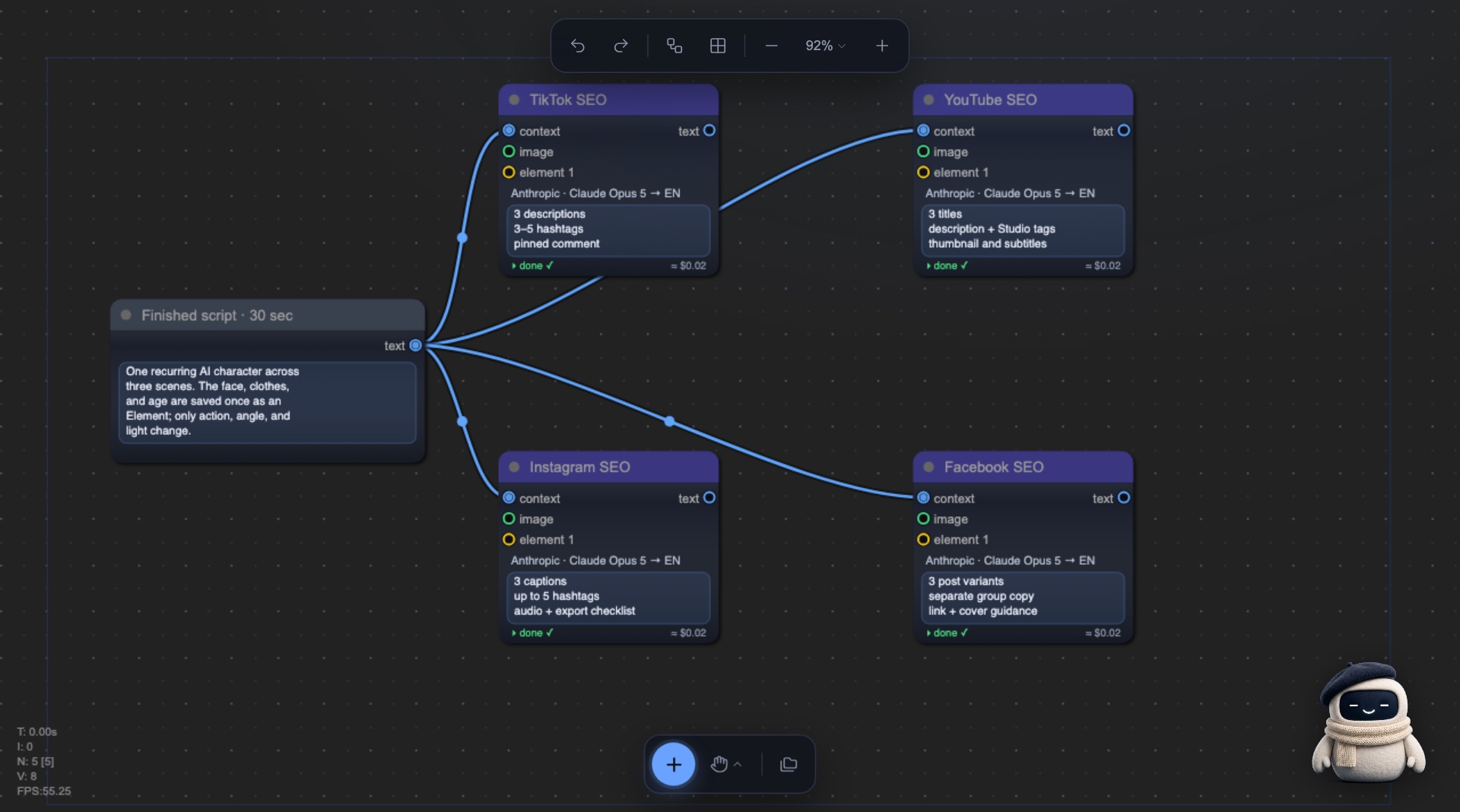
Video SEO generators: four platforms, one workflow
Four built-in SEO generators package a finished video separately for TikTok, YouTube, Instagram, and Facebook.
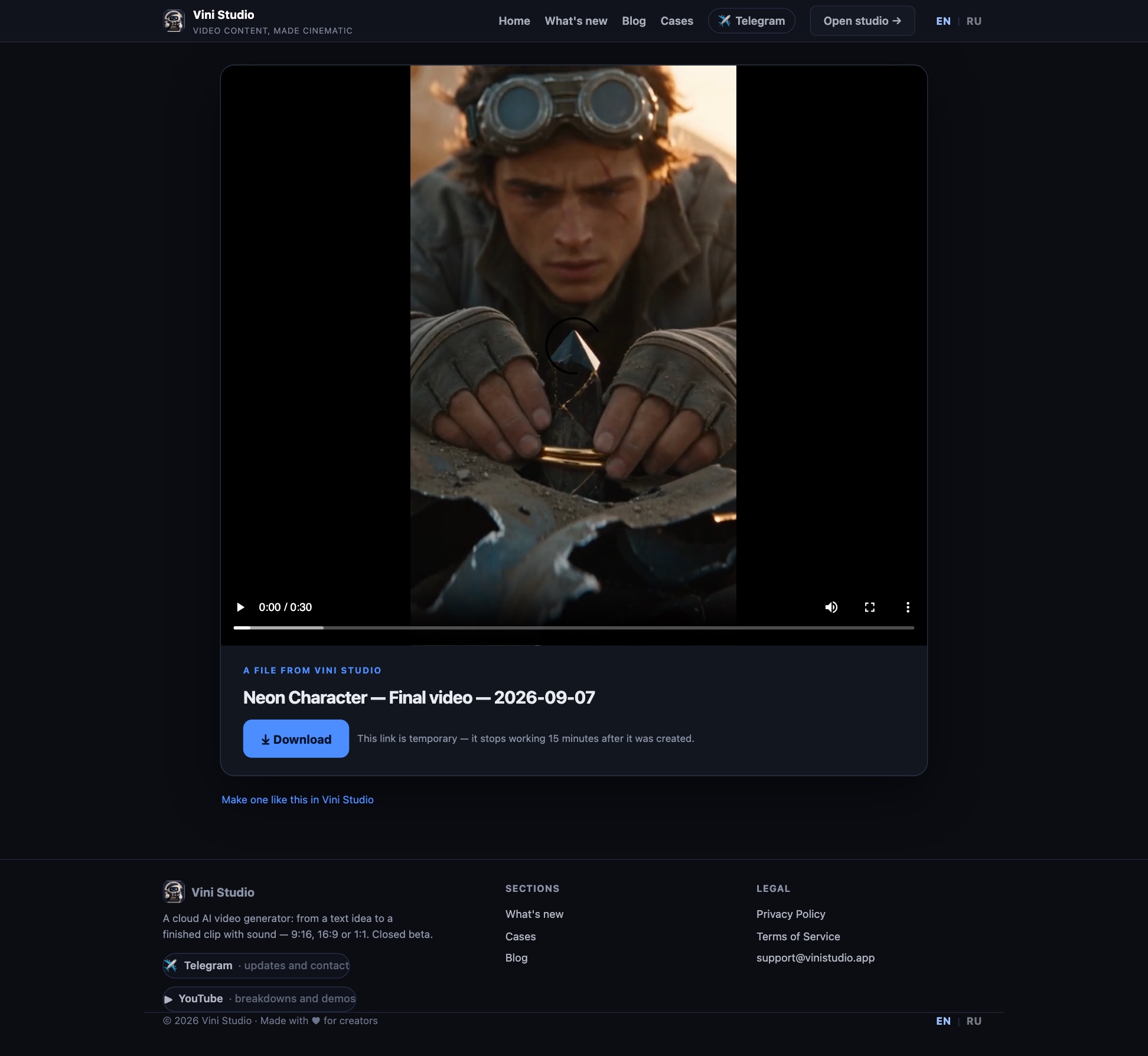
Show the finished video with one link
Download a result straight from its node or send a temporary link. The recipient opens the file without signing in to the studio.
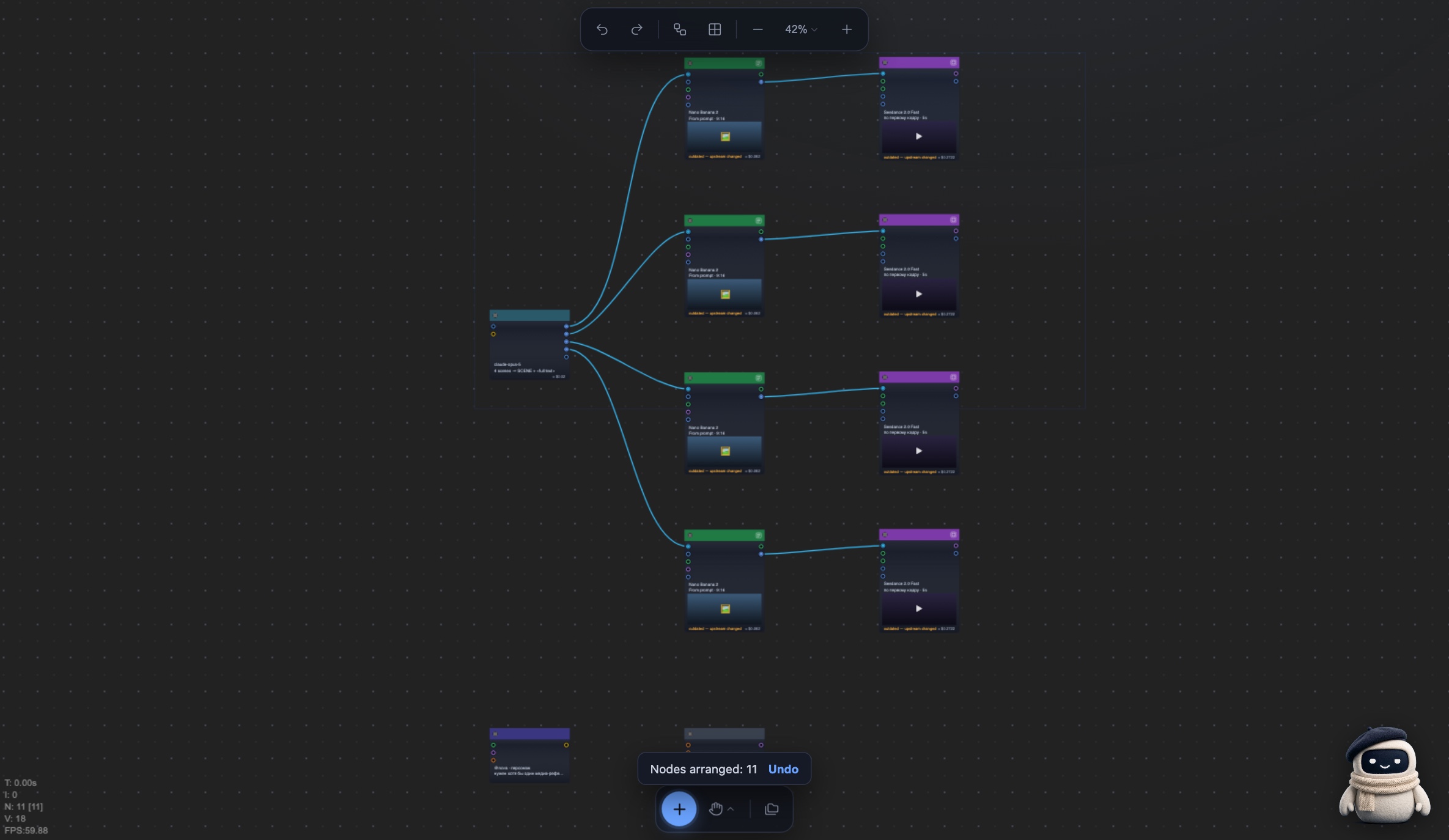
Sorting: from chaos to order
One command reads the graph connections, recognizes the scene sequence, and places every scene in its own row.
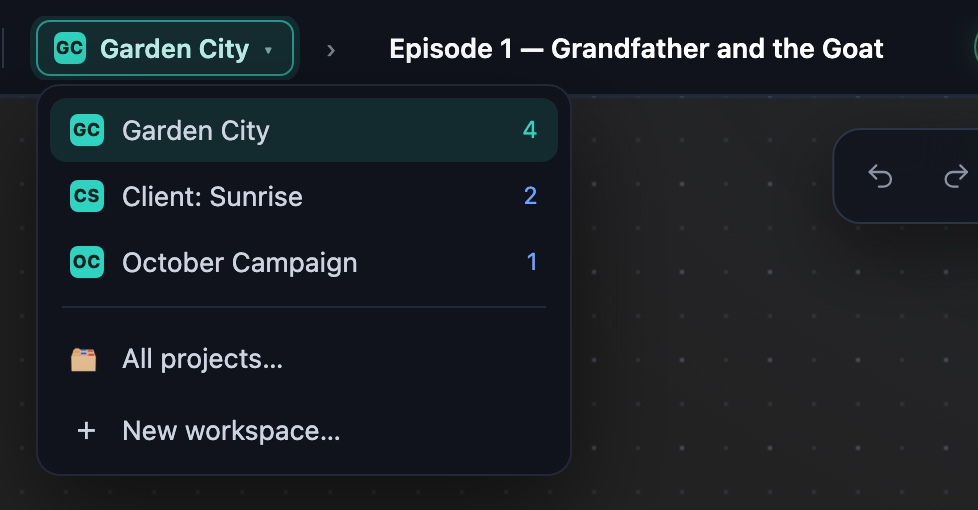
Workspaces: separate projects, one shared library
Give each series, client, or campaign its own place. Characters, prompts, styles, voices, and generators remain shared.
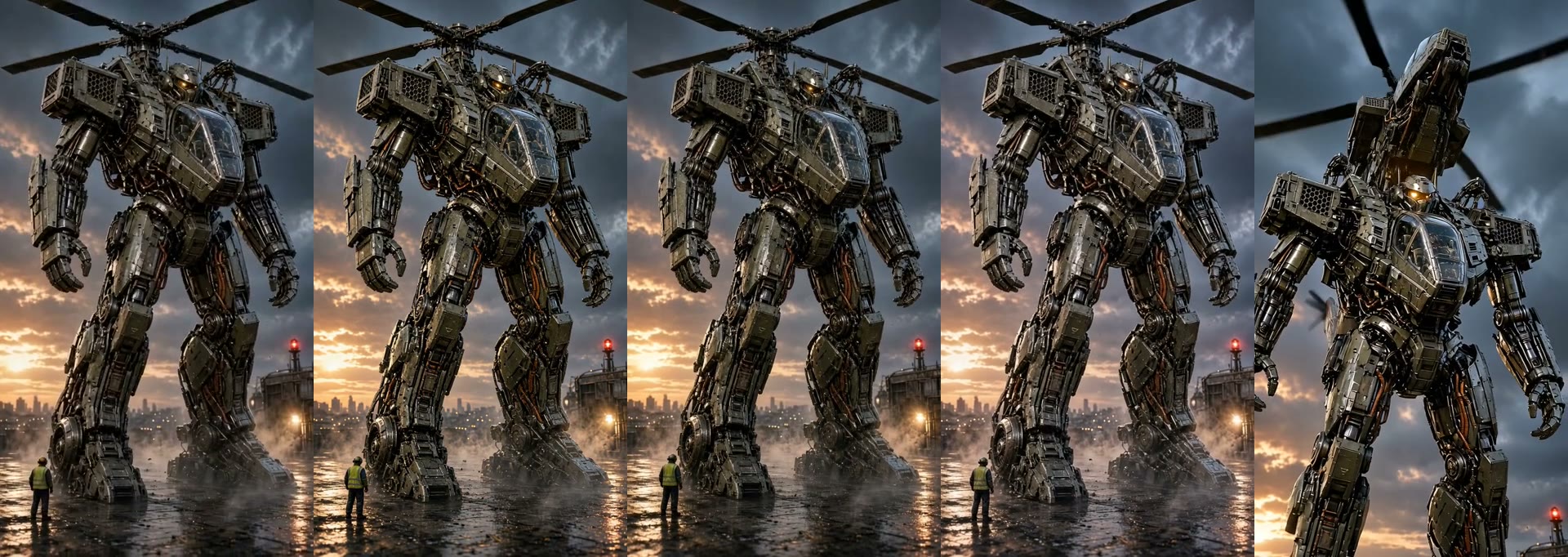
How to animate a transformation: first and last frame
A reference tells the model what something looks like. A last frame tells it where to arrive. Nine models on one transformation, real prices, and the build order.
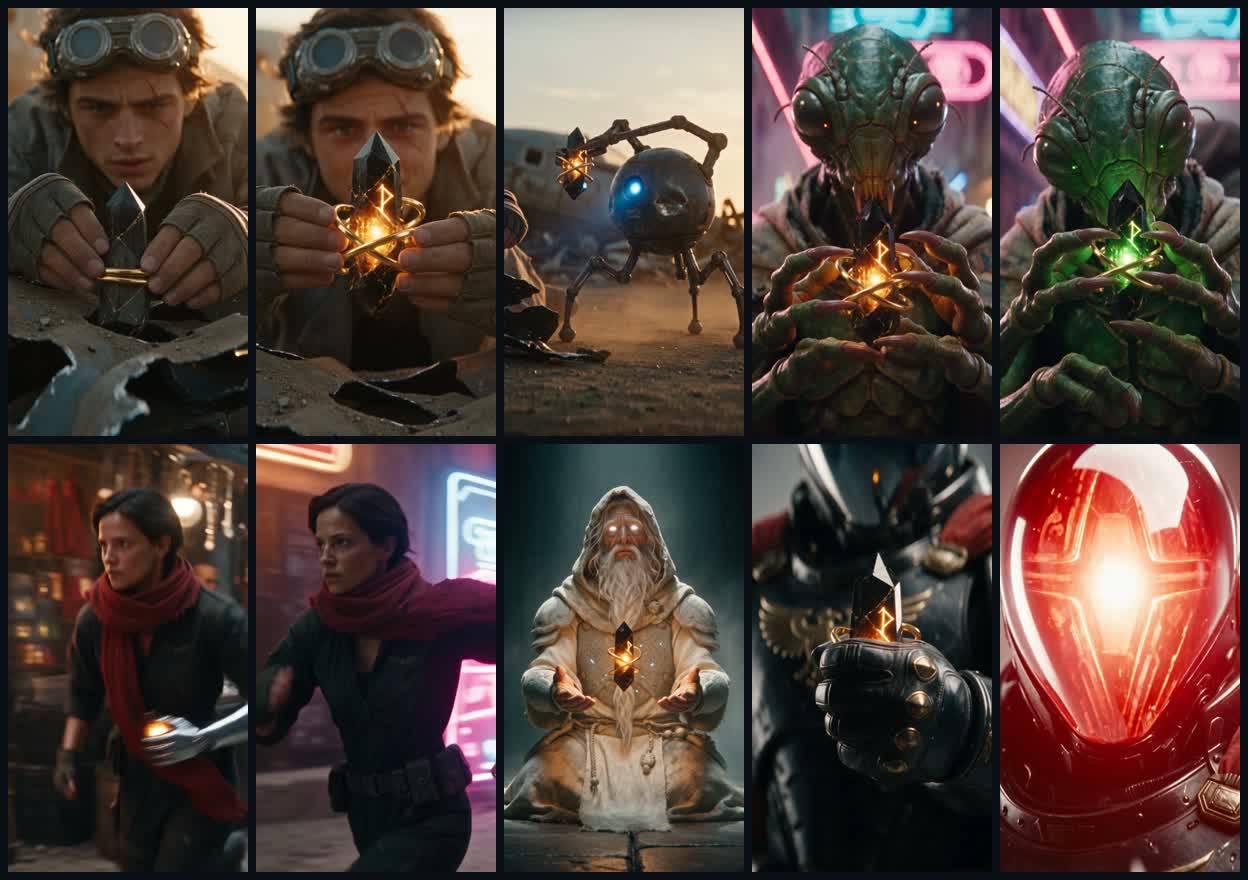
Thirty seconds without stitching: Seedance 2.5 in Vini
The real 30-second KEY case: seven generated Elements, six scenes, and one run. Plus five model operations and honest video-input rules.
 ▶
▶One person, eight scenes: how an episode comes together
The real Vini Episode #4 production graph: storyboard, model and take selection, failures, assembly, and hands-on finishing of a 1:12 result.
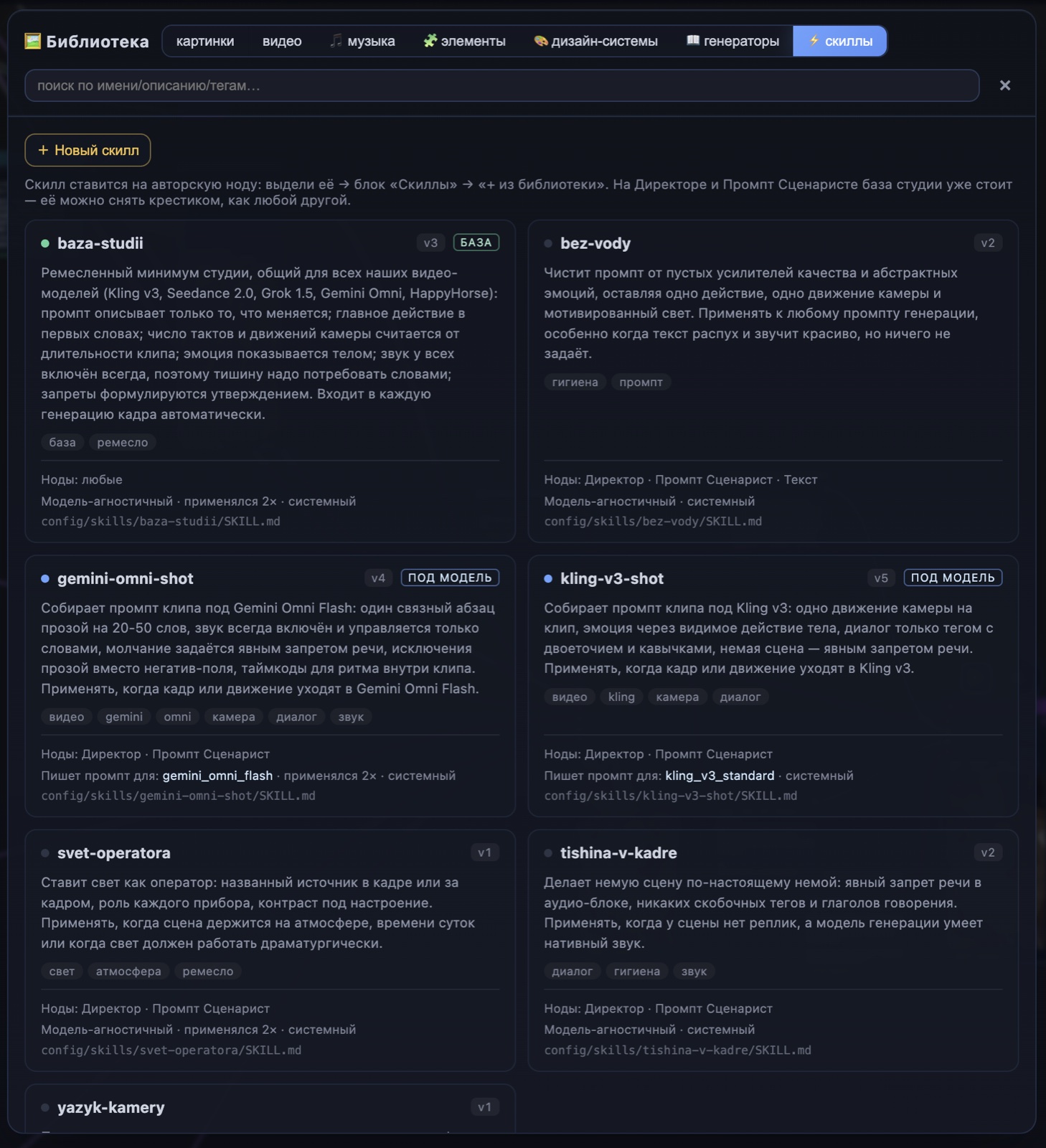
Studio craft — a technique you drop onto a node
Light, camera, silence, «no filler» — named skills from the library. The basics land on their own; you add techniques with a single chip.
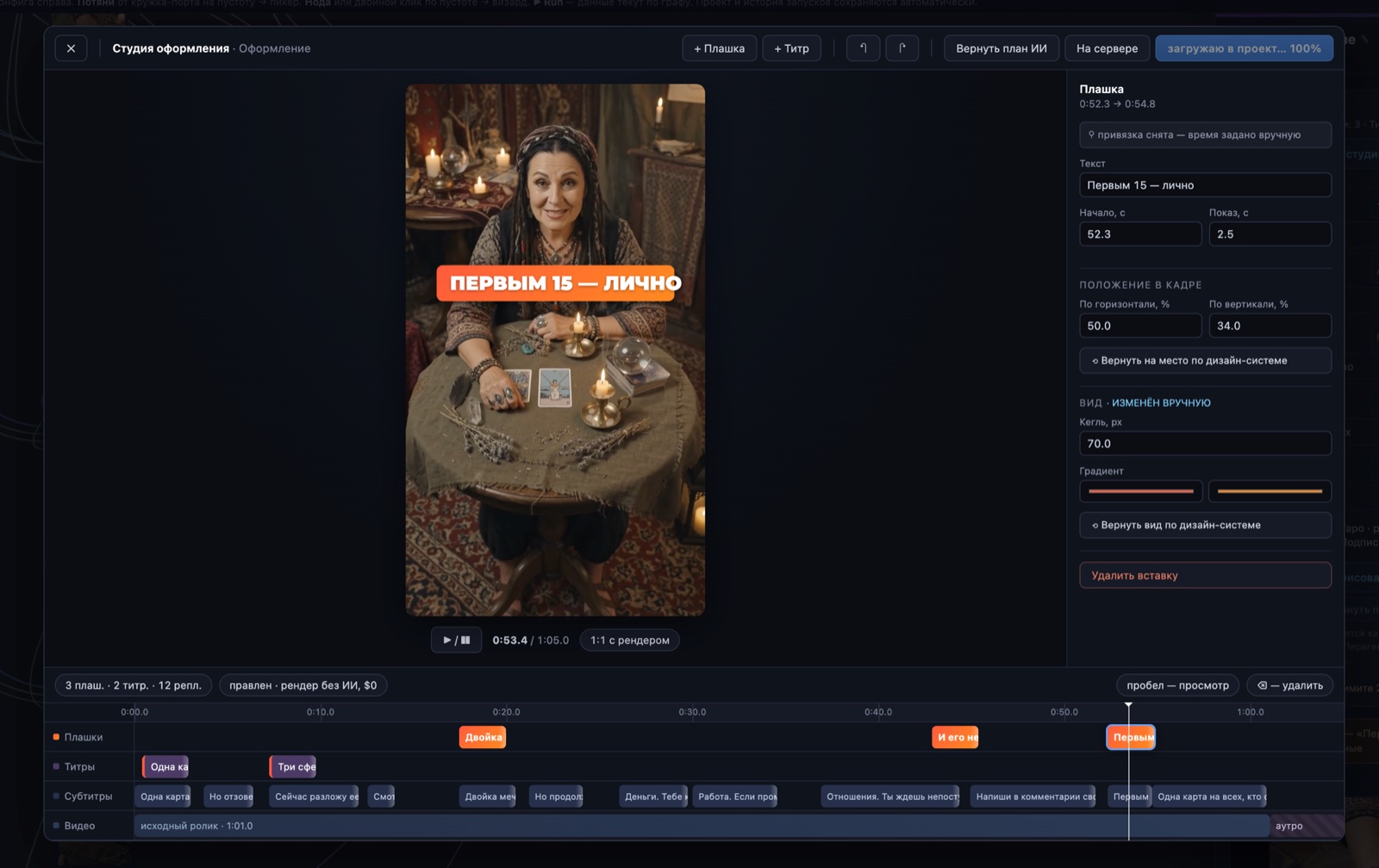
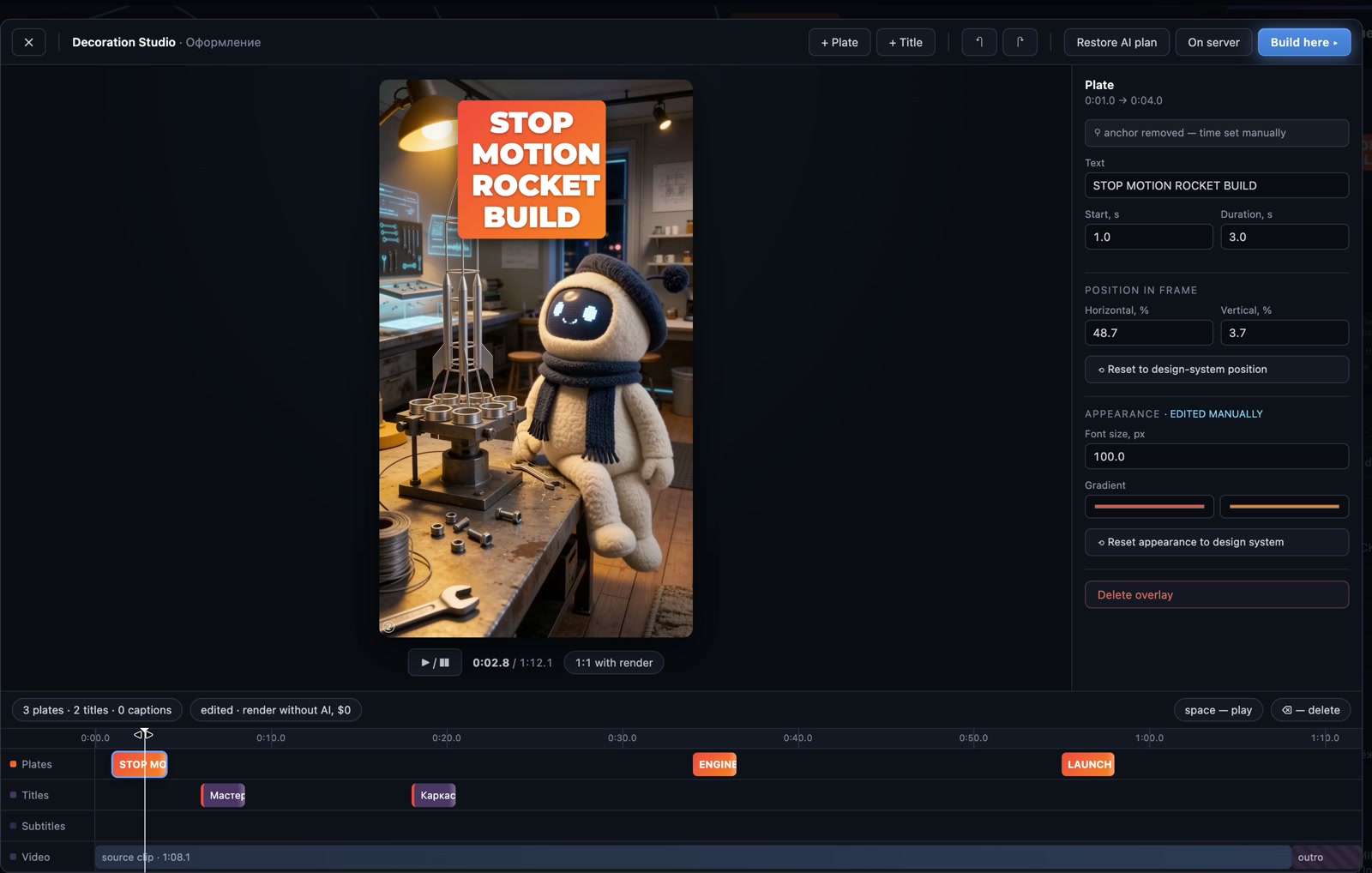
Tweak the AI by hand — render without AI, $0
A historical walkthrough of the manual editors. Rebuilding a saved design costs $0; creating a new design is charged separately.
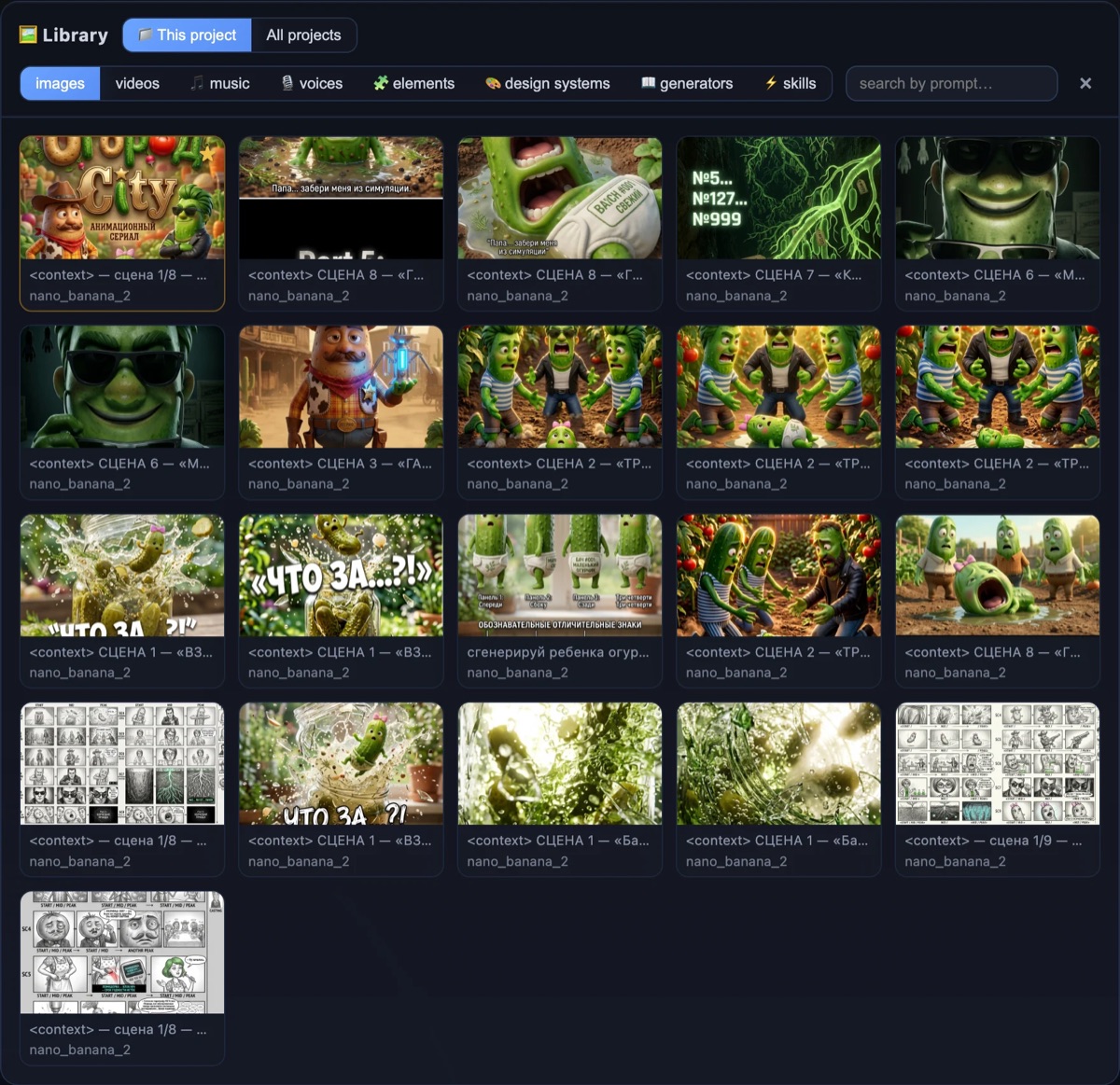
Save a character once — reuse it in any project
★ into the library — and the same character drops into a new project with its look ready-made, no re-casting. A series, episode by episode.
 ▶
▶Your character doesn't drift between shots
How Elements keep characters recognisable across scenes and episodes. The concept through ОгородCity, followed by three Design Boards and a step-by-step studio guide.
 ▶
▶Tired of paying for AI video — so I built my own studio
A node canvas: every step is visible, and you pay only for what you actually regenerate.
A character from your photo
Upload a photo — get a consistent character for every scene, no text prompts for their looks.
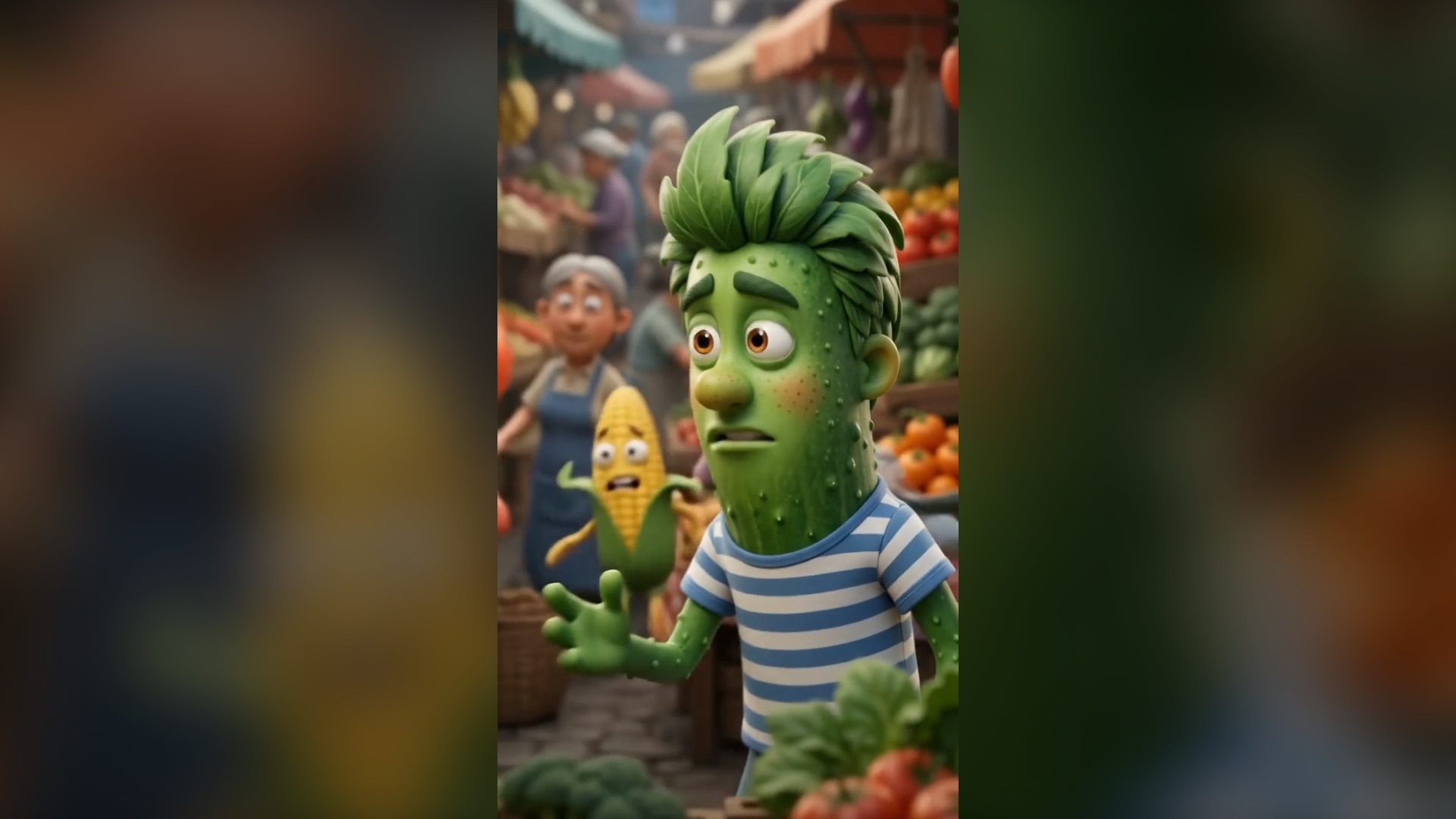
Up to 3 characters on screen + an off-screen narrator
Dialogue scenes and a narrator — at no extra cost over a single character.