Vini Studio
Video content, made cinematic
Closed beta · seeking partners

One idea in text — a finished clip with sound

Write your idea — Vini takes it through plot, frames and video, then stitches a finished mp4: 9:16 for Reels and Shorts, 16:9 or 1:1. In the cloud, no install, no local GPU. You see the cost before you run.

Bot is not configured — contact the owner.

The path: idea → video in 7 steps

One line of text goes in. A finished video comes out — 9:16, 16:9 or 1:1: scenes from 3 to 30 seconds each (you pick the max), up to 12 scenes. By default Claude writes the text, image models generate the frames, video comes from one of eleven models you choose between, and ffmpeg does the final stitch inside — so you get a single mp4, not a pile of clips. Every step is real: hit Run and an actual generation runs, not a mock.

  1. 1Idea (text)one line — what the video is about
  2. 2PlotClaude breaks the idea into acts
  3. 3Scriptwriterscenes, lines, who is on screen
  4. 4StoryboardSTART · MID · PEAK — before you pay for the render
  5. 5Imagethe first frame of every scene
  6. 6Videothe frame comes alive, sound arrives with it
  7. 7Assemblyffmpeg stitches one mp4 in your frames’ format
What comes out
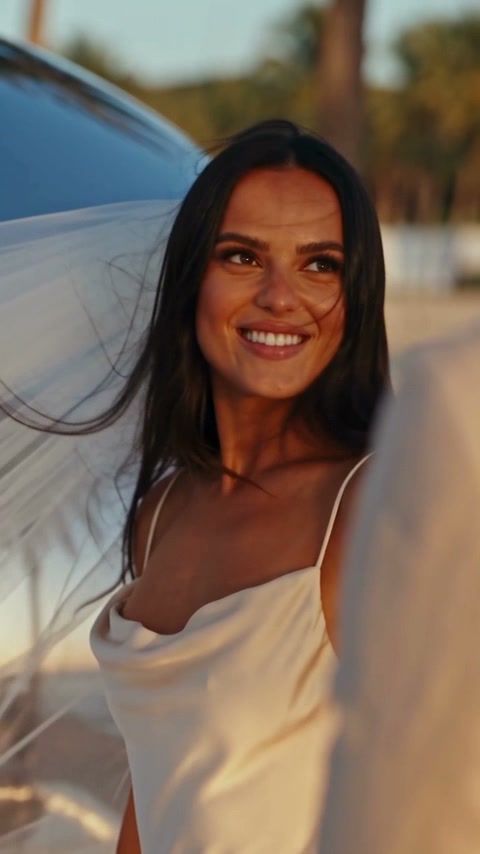
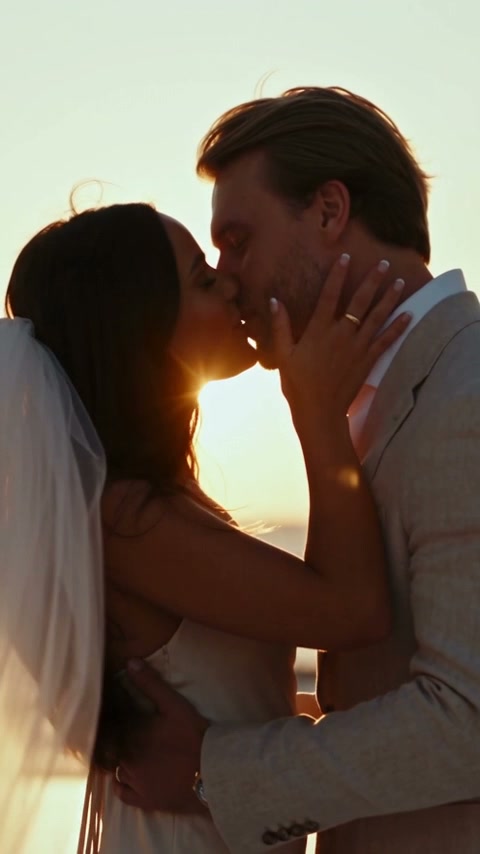
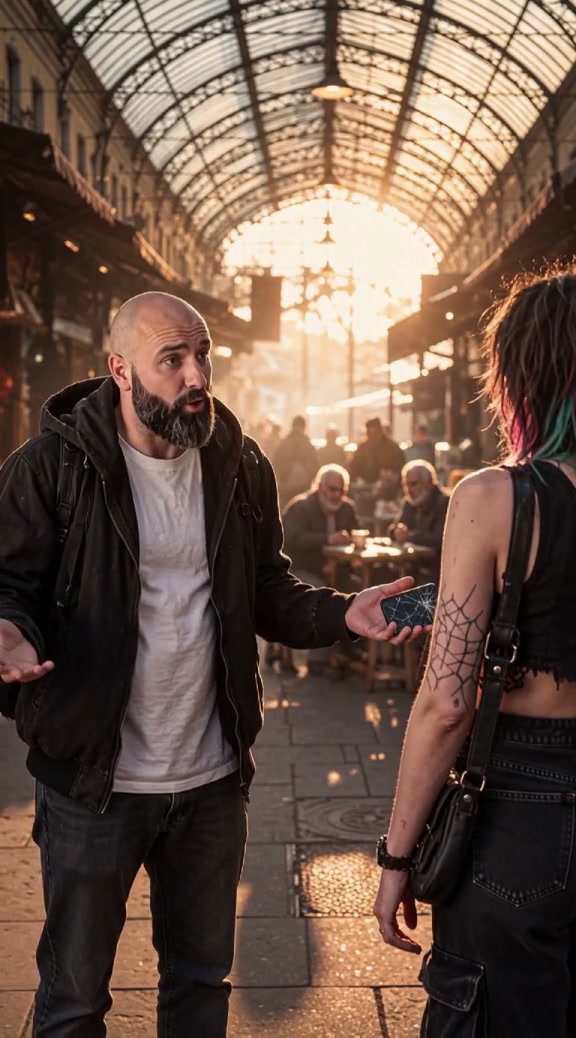
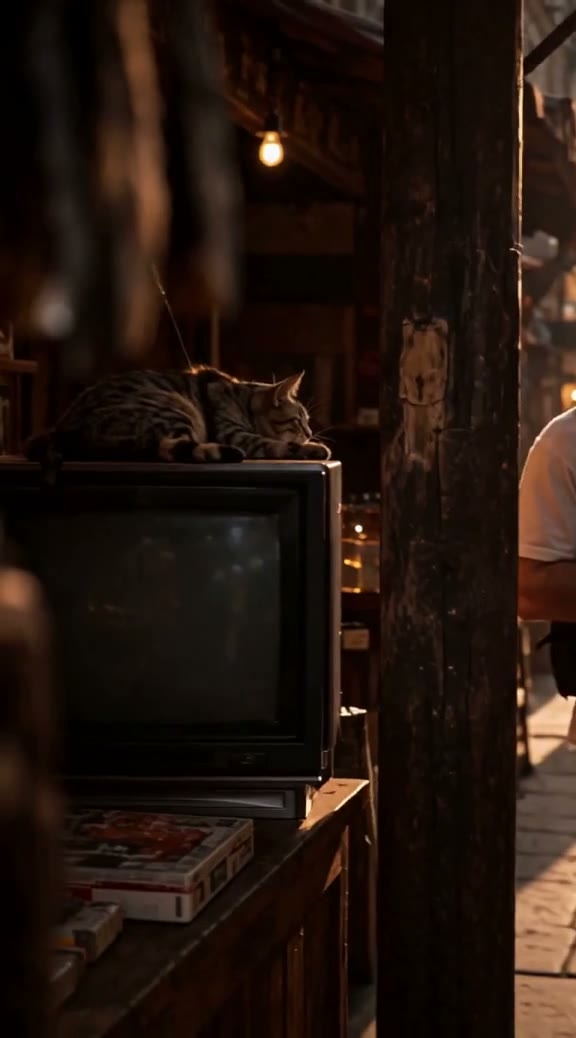
Not a mockup: 30 seconds, six five-second beats, seven Element heroes, sound generated together with the video. Assembled in the studio.

The work happens on desktop — the studio is built for a big screen.

What people make with it

Not a feature list — jobs. Each one is covered by something already working in the studio; where there is a full write-up, the link sits next to it.

A series, not a one-off

Your hero lives in the library and travels between projects: tomorrow’s episode starts with a finished character, not from scratch.

Read more →

A conversation on screen

Up to three heroes at once plus an off-screen narrator — and it costs no more than a single character.

Read more →

One video, many languages

Dubbing into 16 languages that keeps the voice timbre, with lip sync to the new speech. Some models speak the lines themselves.

A hero from your photo

Upload a photo and get a character who holds the same look across every scene, without describing them in words.

Read more →

Finishing on top of the result

Subtitles, titles, overlays and a timeline you edit by hand. Rebuilding after an edit is a render without AI — so, $0.

Read more →

Fix a single scene

Third shot came out wrong — you pay for the third shot. Everything you did not touch comes from cache for free.

Read more →

Pick the model per scene

Eleven video models in one node: run the scene through several and compare — each price is visible before you launch.

Read more →

See the storyboard before spending

First the storyboard sheet and the shot frames, and only then the money for video generation.

Read more →

Every step is visible. Every step can be redone, one at a time

This isn't a black box of «prompt → random result». Plot, script, storyboard, every frame and every scene are right in front of you, in nodes with previews. Didn't like the third scene? Regenerate just that one — the rest stay untouched and aren't paid for again. The cache remembers everything unchanged, and stale badges highlight what went out of date after your edits. Plus a history of it all: projects, runs, graph revisions, autosave and a live generation log — not a single result is ever lost.

The «Image» node panel: a result preview, a download button, a «ready (cache) — $0» badge and a «Regenerate (pay again)» button

The result already exists — Run takes it from cache for $0. Want it redone? The button is right there, and it says plainly that this one costs money.

The project artifact library: frames, videos and elements searchable by prompt

Library: everything you generated at hand, searchable by prompt.

«Generated it twenty times before it worked» — sound familiar?

Prompt → Run → not it. Another Run → almost. Another Run → all over again — and you pay for every run in full, even for the parts that already worked. One result, twenty paid generations.

Here the principle is different: every step is its own node. You see what it produced. You see what re-running it costs. And only it re-runs — everything unchanged is pulled from the cache and costs nothing.

A typical generator

Run · whole videopaid
Run · whole video

Canvas with cache

Plot · Claudecache
Scenes 1, 3 · frame + videocache
Scene 2 · frame + videochanged
Assembly · ffmpegwill rebuild

The price is up front, not in a bill afterward

Generation spends real money, and we don't hide that — quite the opposite. The projected cost of a run is calculated and shown on the toolbar before you press Run. Real model prices right in the interface: a frame from $0.035 (Seedream 5.0 Lite) to $0.17 (GPT Image 2), Nano Banana 2 — $0.08. Change one prompt and you pay for one step, not the whole pipeline: unchanged nodes come from the cache for free.

Right now this is cost price — with no markup

Every number on this page and in the interface is what the models cost us. There is no markup on anything. The pricing policy has not been decided yet, and this is the floor: it will not get cheaper. Whoever joins the closed beta now, joins at this VIP price.

A 30-second video from scratch — on the default models

Plot + script · Claude$0.04
6 frames · Nano Banana 2$0.48
30s of video · Seedance 2.0 Fast$1.68
Assembly · ffmpeg$0
Total for the video$2.20

On the cheapest tier (Seedream 5.0 Lite + Seedance 2.0 mini) the same video is about $1.33. That is the cost of generating from scratch, at what the models cost us; redos are counted separately and pull everything you did not change from cache.

Editing one scene — what actually gets charged

Plot + script · Claudecache — $0
Scene 1 · frame + videocache — $0
Scene 2 · frame · Nano Banana 2$0.08
Scene 2 · video 5s · Seedance mini$0.36
Scene 3 · frame + videocache — $0
Assembly · ffmpeg$0
Total for the edit$0.44
The run cost estimate on the canvas toolbar: ≈ $11.14 next to the Run button

The estimate sits right next to Run — before you press it. A screenshot, not a mockup; the $11.14 here is a whole project, not one scene.

Switch the model — the price recalculates

This is exactly how it works on the canvas too: the model changes in the node, the price — before you press Run.

Your character keeps the same face across scenes

The biggest pain of AI video is a character who looks different in every scene. Here the Element and Soul nodes keep things consistent: define the character once and it holds the same look across every scene through multi-reference — up to 14 references with Nano Banana 2. Add your own photos with the Upload node by a simple drag&drop.

The element library turns one-off videos into a series: today's hero carries on tomorrow's episode in a new project — an episode, not a rebuild from scratch. And so you don't have to be a prompt engineer, there's a prompt library: your own plus built-in system ones, including a ready, fine-tuned Scriptwriter.

vinistudio.app
Three character turnarounds — reusable Element cards with all-angle views

One source — every scene: check your hero's face in each frame for yourself.

You do not have to assemble it all by hand

The canvas is your ceiling of control, not a required curriculum. Vini lives right next to it: he sees your whole project, explains any node in plain words, and proposes graph edits that you accept with a click. Money is only ever spent on your explicit press — he never launches anything himself.

Vini — your project copilot

He knows your graph and your run history. Ask «why did this scene come out wrong» or «what should I do next» and the answer is about your project, not in general.

Decoration and Montage

Subtitles, titles, overlays and a timeline — edited by hand on top of the AI plan. Rebuilding after an edit is a render without AI, which means $0.

Voice

Pick a voice or clone your own, record the voiceover, dub it into another language, mix it with music. Separate nodes in the same graph.

vinistudio.app
The Decoration studio: a vertical video, an overlay on the frame and a timeline with overlay, title and subtitle tracks

The Decoration studio: an overlay on the frame, tracks on the timeline and the «render without AI, $0» badge.

The best models, your choice, in one pipeline

The model switches right in the node — the pipeline doesn't change. A better model ships — you just pick it from the list in the same project. Prices are the same as in the interface: not a «from» price, but the cost of that specific generation.

Text and script

claude-opus-5
claude-sonnet-5
claude-sonnet-4.6
claude-opus-4.8
gpt-5.4-mini

Images

Seedream 5.0 Lite$0.035
FLUX Kontext$0.04
Seedream 4.5$0.04
Seedream 5.0 Pro$0.045
Grok Image 2.0$0.06
Nano Banana 2$0.08
FLUX.2 dev$0.099
Nano Banana Pro$0.12
GPT Image 2$0.17

Video · per second

Seedance 2.0 mini$0.036
MiniMax H3$0.038
Seedance 2.0 Fast$0.056
FLUX 3 Draft$0.06
Seedance 2.0$0.07
Grok Video 1.5$0.08
Gemini Omni Flash$0.10
Seedance 2.5$0.10
Kling v3$0.112
HappyHorse 1.1$0.14
FLUX 3$0.17
up to 30 seconds (Seedance 2.5)multi-character (Kling)native audio and lip syncRussian speech: MiniMax H3, FLUX 3, Grok, Gemini Omni

Closed beta — seeking partners and testers

Vini Studio isn't a public service yet: it's a working pipeline where every Run is a real generation for real money. Right now I'm opening access selectively — looking for creators and partners ready to try the product and give honest feedback.

Curious to try it or collaborate — get in touch. Sign in with Telegram or Google, projects are isolated per account. If this is your first time, the account is created on your first sign-in.

Sign in ↑✈️ Or drop by the Telegram channel — updates and contact