 Vini Studio

You’ve shot the first episode — the second one needs the same character. The usual way, you build them from scratch again: the same wires, the same references, paying for generation all over again. The Element library does away with that.
★ Save once — and forget about rebuilding
You click ★ Save to library and the character moves into your personal library together with its already baked-in image. A ★ badge appears on the node. In any new project you open the library, pick that character, and it drops onto the canvas self-contained, with its look ready and no re-wiring back to a source.
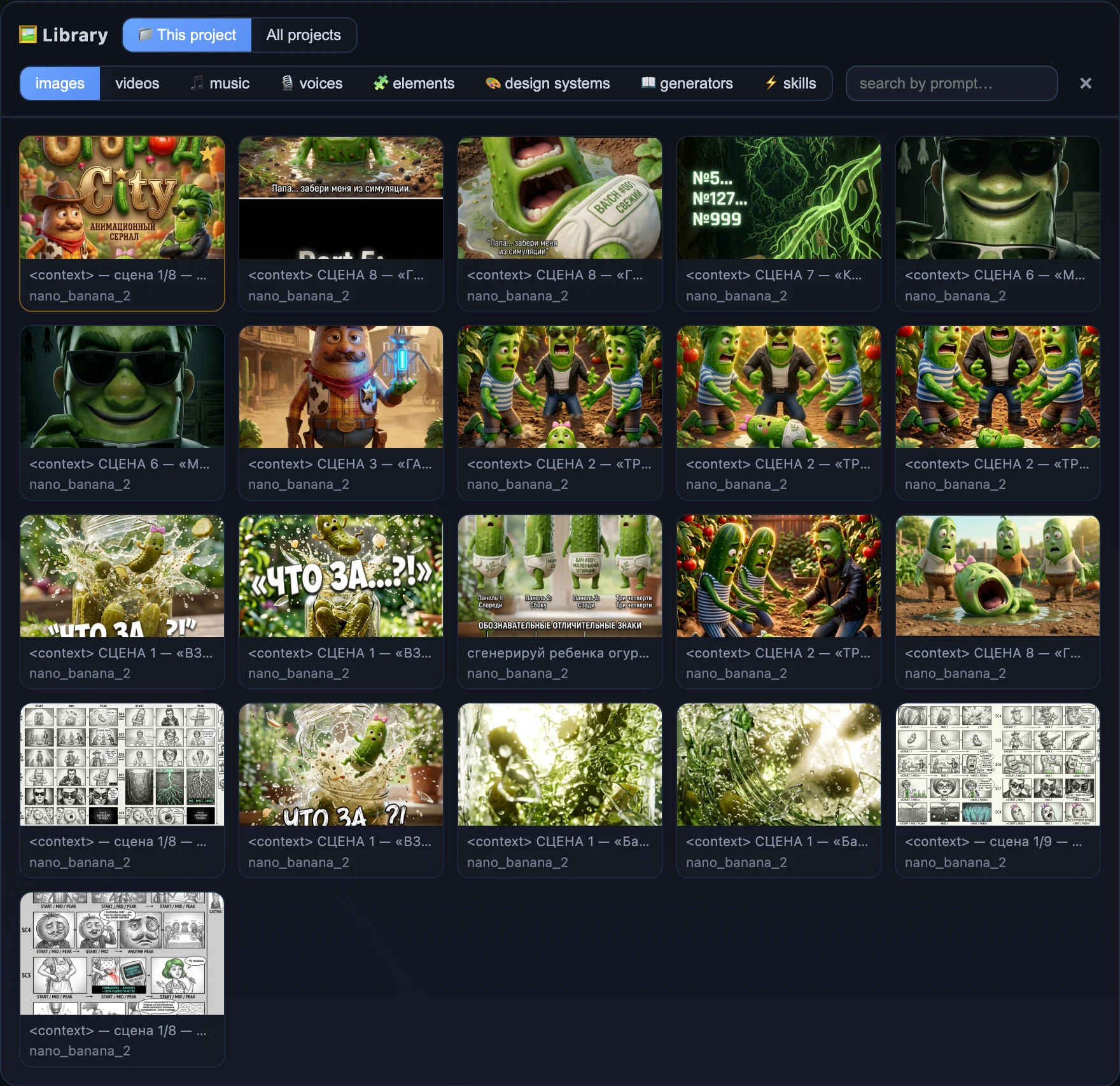
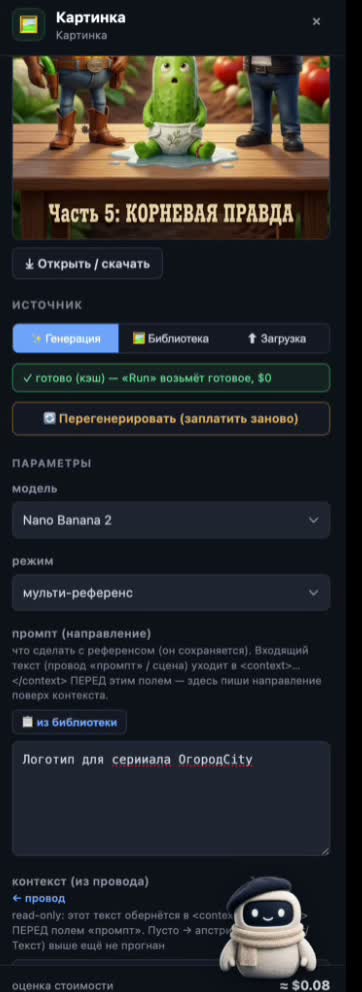
One saved character is handed out to new projects with its look already baked in — no re-wiring and no paying to build it again.
A series, not one-off videos
This is the difference between “made a video” and “running a series”: today’s character carries into tomorrow’s episode in a new project with a single pick from the library. And the fact that it doesn’t drift between frames is exactly what those same Elements guarantee.
- Build the character. The Element/Soul node — name, role, angles; a run bakes the image inside.
- Press ★. The character goes into your library with its look ready; a ★ badge appears on the node.
- Open a new project. Pick the character from the library — it drops onto the canvas self-contained.
- Re-wire nothing. The image is already there — “Run reuses what’s ready, $0” — no need to pay to build it again.
Save a character once and it’s yours forever, in any project. A series stops starting from a blank page.— the Element library
Create videos in Vini Studio
Ideas, characters, scenes, sound and editing in one project. Work independently or discuss content production with our team.
Get started in the studio →Sign in with Telegram or Google. No account needed in advance — it is created for you.