 Vini Studio

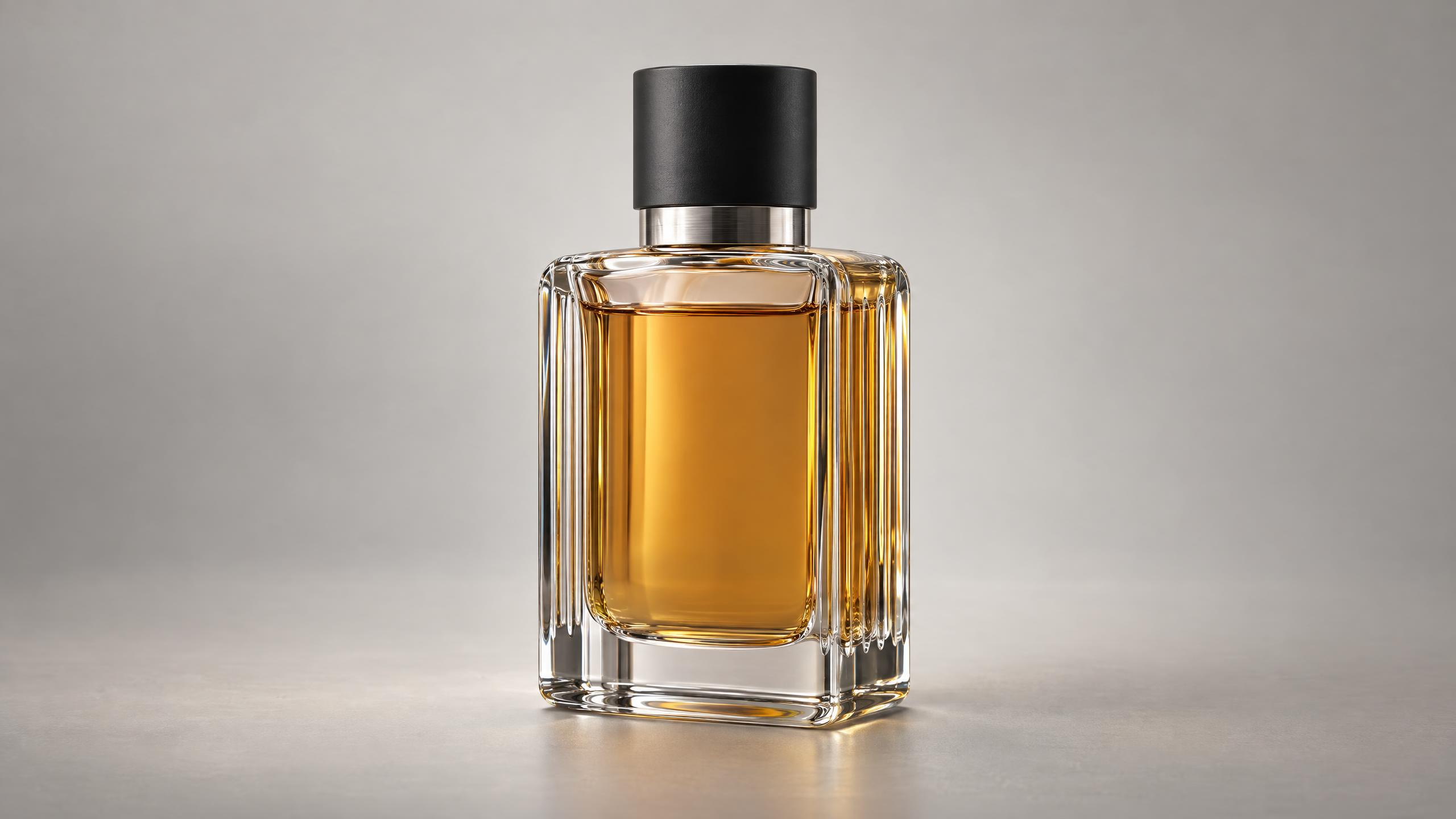
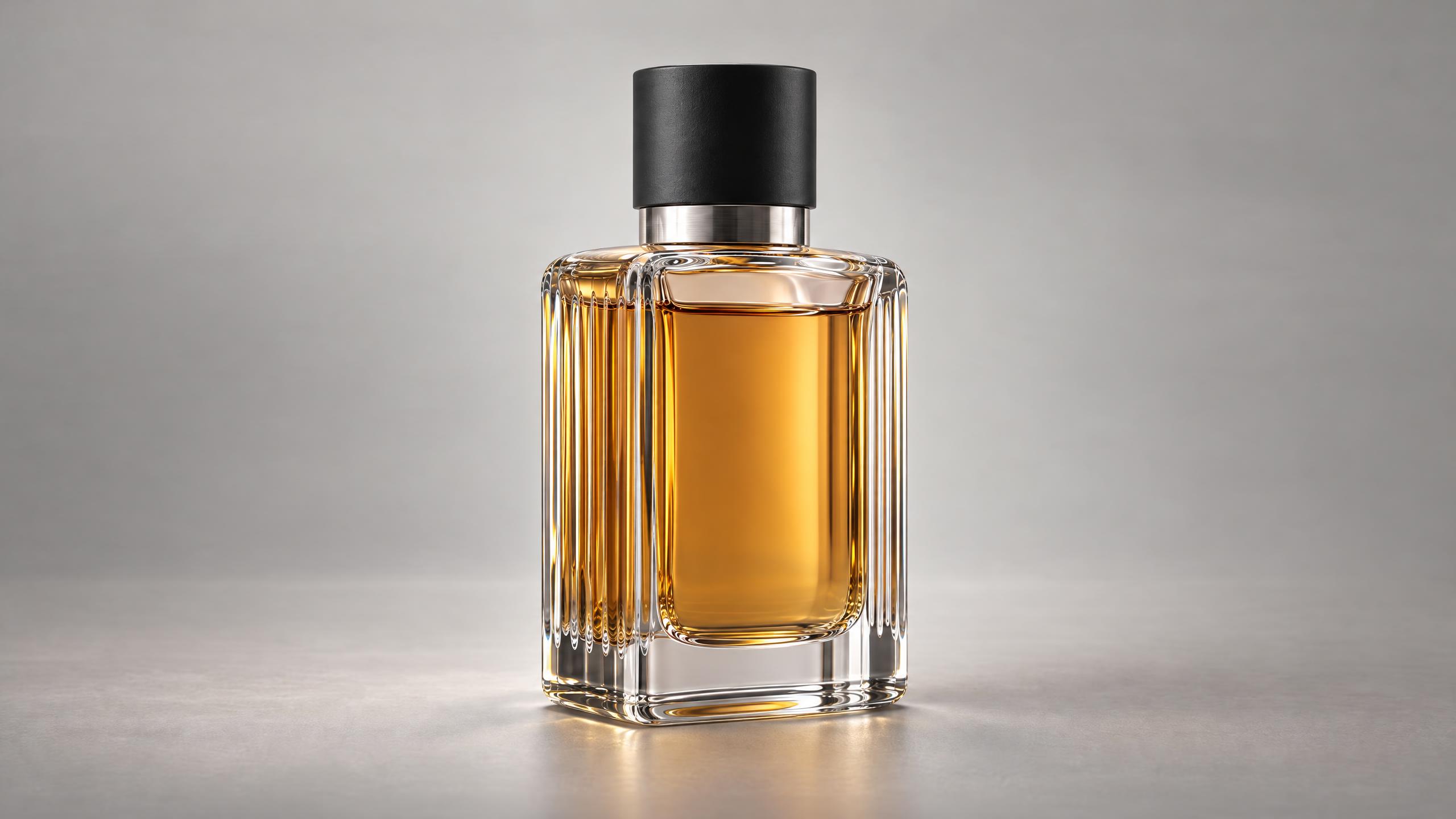
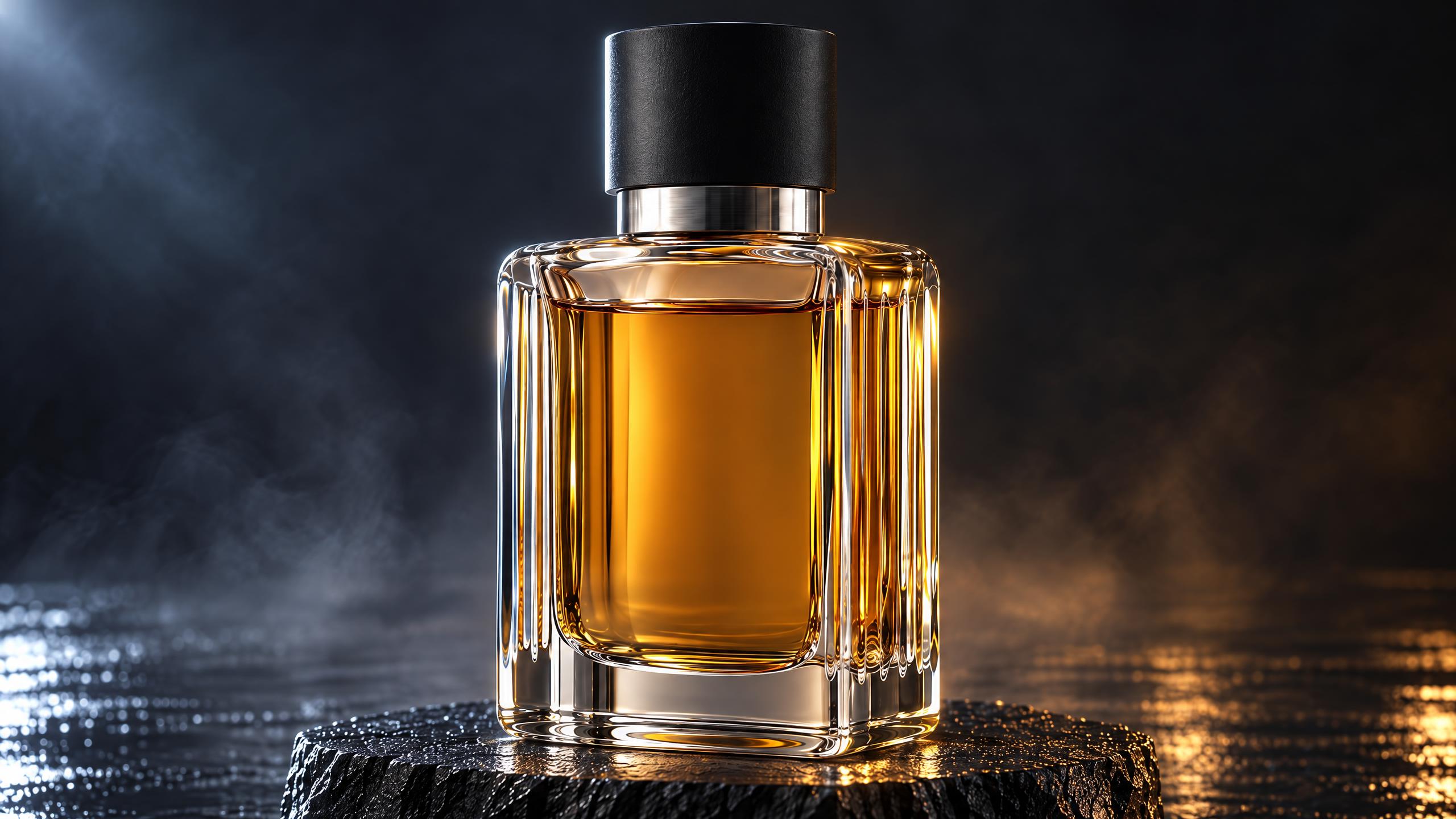
A product campaign needs more than a beautiful random frame. It needs a recognizable object, deliberate camera movement and a way to revise the scene. We designed an original unbranded perfume bottle and filmed it in several ways in Vini Studio.
Two reference views → a product scene
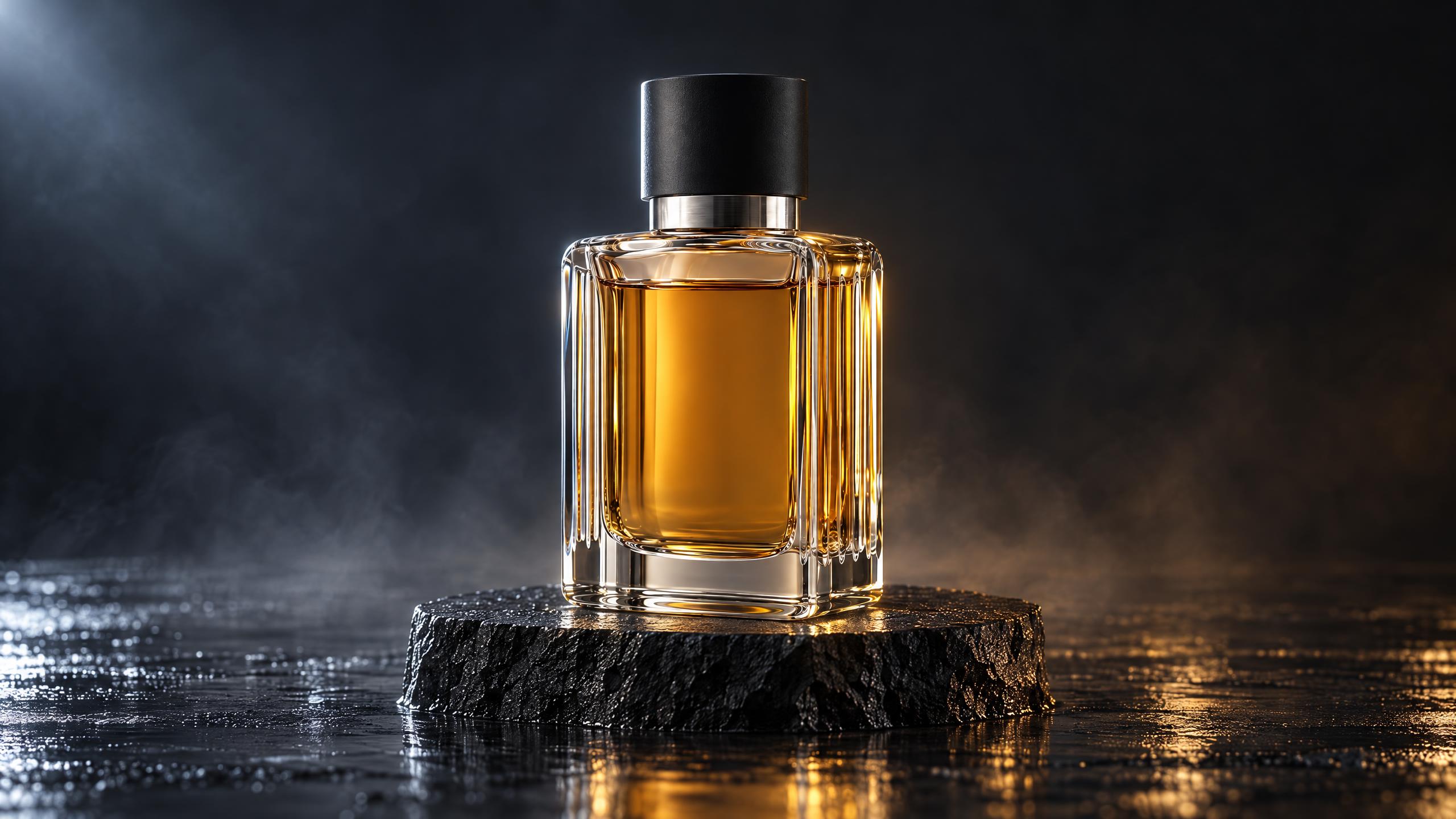
We created a master image and a second view, then combined them in an Element with the Object role. Kling 4 received that Element and a description of glass macro photography, a camera arc around a basalt plinth and a sweep of water. The shot sequence was described in ordinary prompt text.
Change the setting
We took seconds 5–10 of the source and asked to replace the dark studio with a glacial lagoon while retaining the bottle, plinth and camera movement. This is a separate edit of an existing video. The promo includes a comparison with the original.
Choose the first and last frame
For a separate shot, we connected an opening image and a final image. The direction was a gentle push-in toward the stationary bottle. Here, the model receives two compositions and builds the movement between them.
View the first and last frames
“Hi, I’m Vini. Now I’m filming with Kling four.”
We also filmed Vini speaking English, using four character reference images. Kling 4 generated his line and animated screen-mouth together, with no separate voice-over or lip-sync pass. Transcription with no language hint identified English and recovered the complete line. An earlier Russian-language trial also worked; that clip appears in the Russian version of this case.
Available in the studio today
- From text
- A new clip between 3 and 30 seconds long.
- From a first frame
- An opening image, optionally a final image and up to eight key frames between them; together with up to seven Elements.
- From references
- Up to seven character or object Elements, with up to four image views per Element.
- Edit a video
- An existing clip and a description of your change.
The studio offers 720p and 1080p, with audio generated alongside video. A first frame and pictured Elements can be connected together. Key frames follow their order: Kling 4 picks the timing of each, so seconds cannot be set.
Video references, a separate character voice, structured multi-shot control, Flash, 4K and extension are outside this studio release. Our source clip’s shot sequence was described in text.
Try it with your product
- Prepare clear views of the object from different sides and combine them in an Element.
- Add a Video node, select Kling 4 and choose the From references mode. Connect the Element.
- Describe the object in its setting, the action and camera movement. Check duration, resolution and the quote before running.
- Watch the whole result with sound. For precise product advertising, inspect the shape, label and packaging details separately.
The quote depends on duration, resolution, operation and your account plan. Vini shows it before you run. Images, new clips and video edits are priced separately.
Explore capabilities and pricing →
Create videos in Vini Studio
Ideas, characters, scenes, sound and editing in one project. Work independently or discuss content production with our team.
Get started in the studio →Sign in with Telegram or Google. No account needed in advance — it is created for you.