
You’ve shot the first episode — the second one needs the same character. The usual way, you build them from scratch again: the same wires, the same references, paying for generation all over again. The Element library does away with that.
★ Save once — and forget about rebuilding
You click ★ Save to library and the character moves into your personal library together with its already baked-in image. A ★ badge appears on the node. In any new project you open the library, pick that character, and it drops onto the canvas self-contained, with its look ready and no re-wiring back to a source.
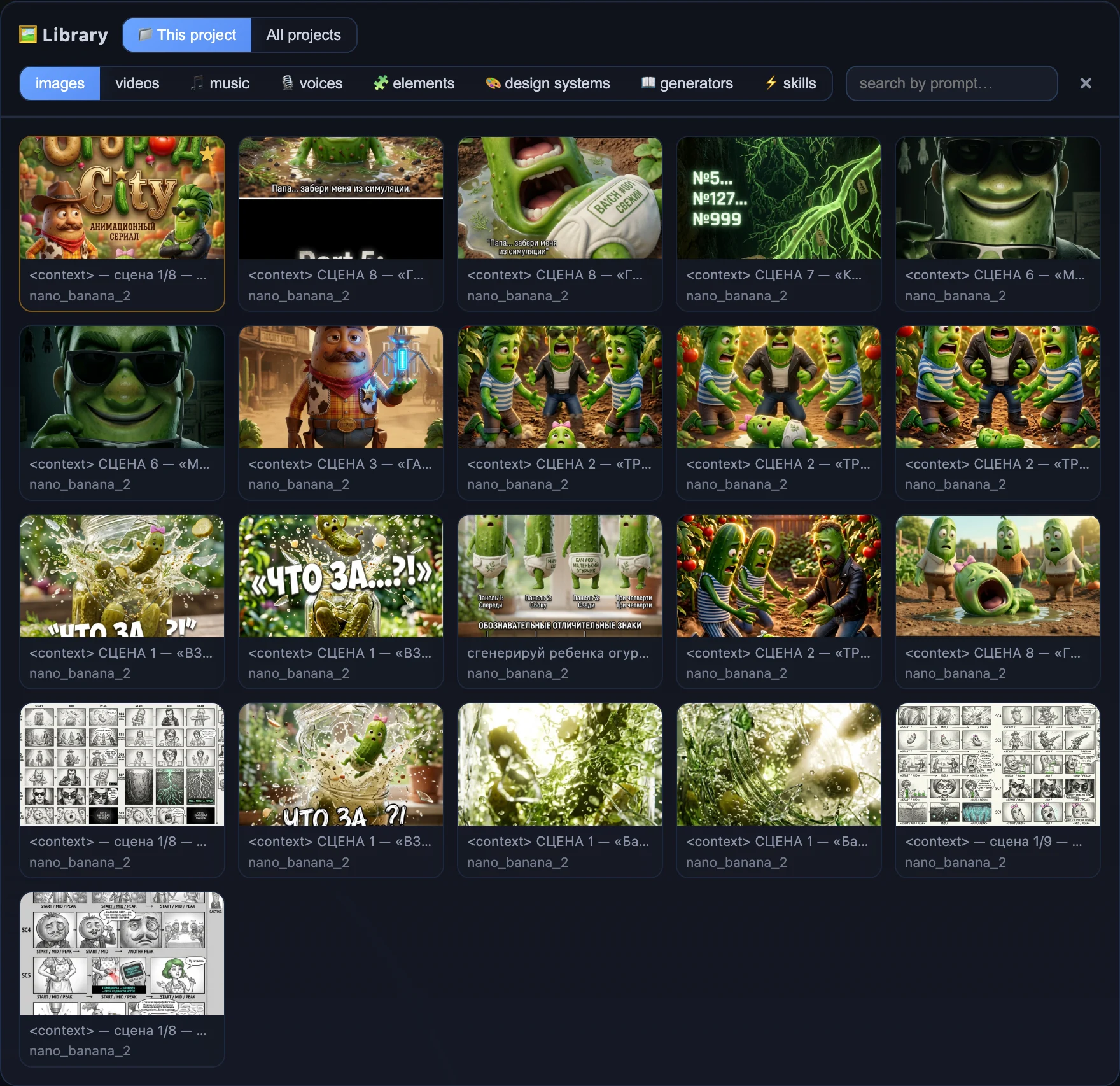
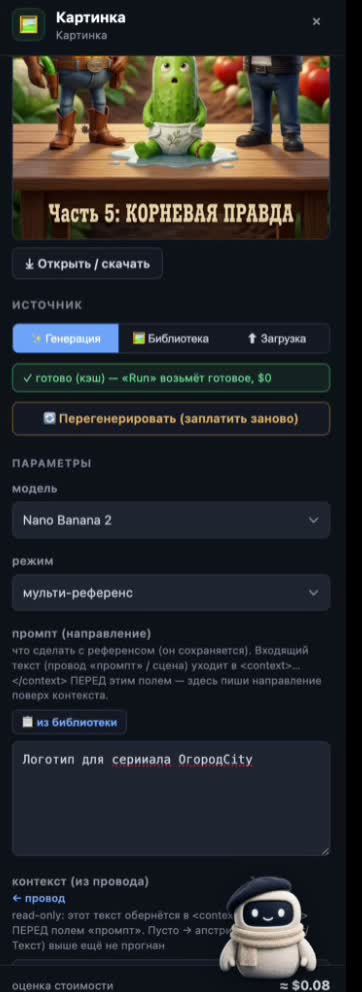
One saved character is handed out to new projects with its look already baked in — no re-wiring and no paying to build it again.
A series, not one-off videos
This is the difference between “made a video” and “running a series”: today’s character carries into tomorrow’s episode in a new project with a single pick from the library. And the fact that it doesn’t drift between frames is exactly what those same Elements guarantee.
- Build the character. The Element/Soul node — name, role, angles; a run bakes the image inside.
- Press ★. The character goes into your library with its look ready; a ★ badge appears on the node.
- Open a new project. Pick the character from the library — it drops onto the canvas self-contained.
- Re-wire nothing. The image is already there — “Run reuses what’s ready, $0” — no need to pay to build it again.
Save a character once and it’s yours forever, in any project. A series stops starting from a blank page.— the Element library
Соберите своего героя в Vini Studio
Облачный нодовый конструктор AI-видео: из идеи текстом — в готовый вертикальный ролик 9:16. Проект в закрытой бете — ищу авторов и партнёров.
✈️ Вступить в Telegram →Апдейты, ранний доступ и связь — в канале.