
"Describe the face in words" — and the model draws a different person every time. But what if you already have a face — your own, a friend’s, or a brand mascot? Upload a photo: the system reads its features off it and turns it into a full-fledged character.
Upload a photo, get a character
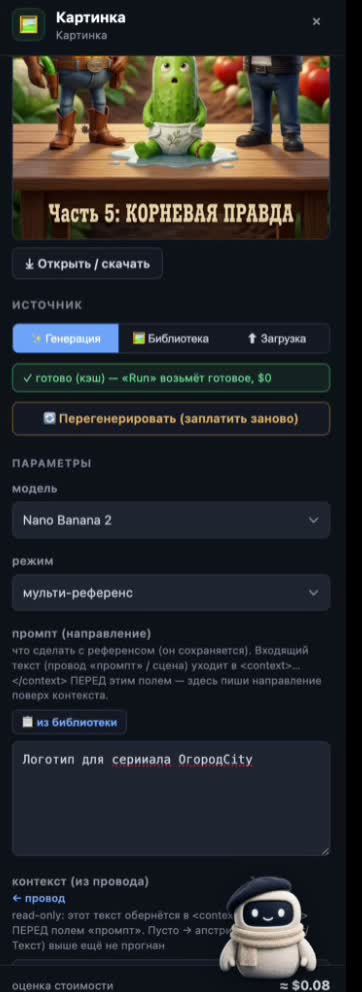
The photo runs through a vision pass: the system fills in the appearance and behavior anchors on its own, checks the content (an NSFW-and-minors gate) and runs a celebrity check — then shows you an editable preview where you can fix anything. After that, optional cartoon stylization (Nano Banana 2, $0.08), and your character is ready.
From a photo to an Element: features are captured automatically, stylization is optional, and from there it’s the same consistency pipeline.
From here on — a regular Element
The character you get is the very same Element: it holds its face across every scene through multi-reference and carries over from project to project. The only difference is the start: not a text description, but your photo.
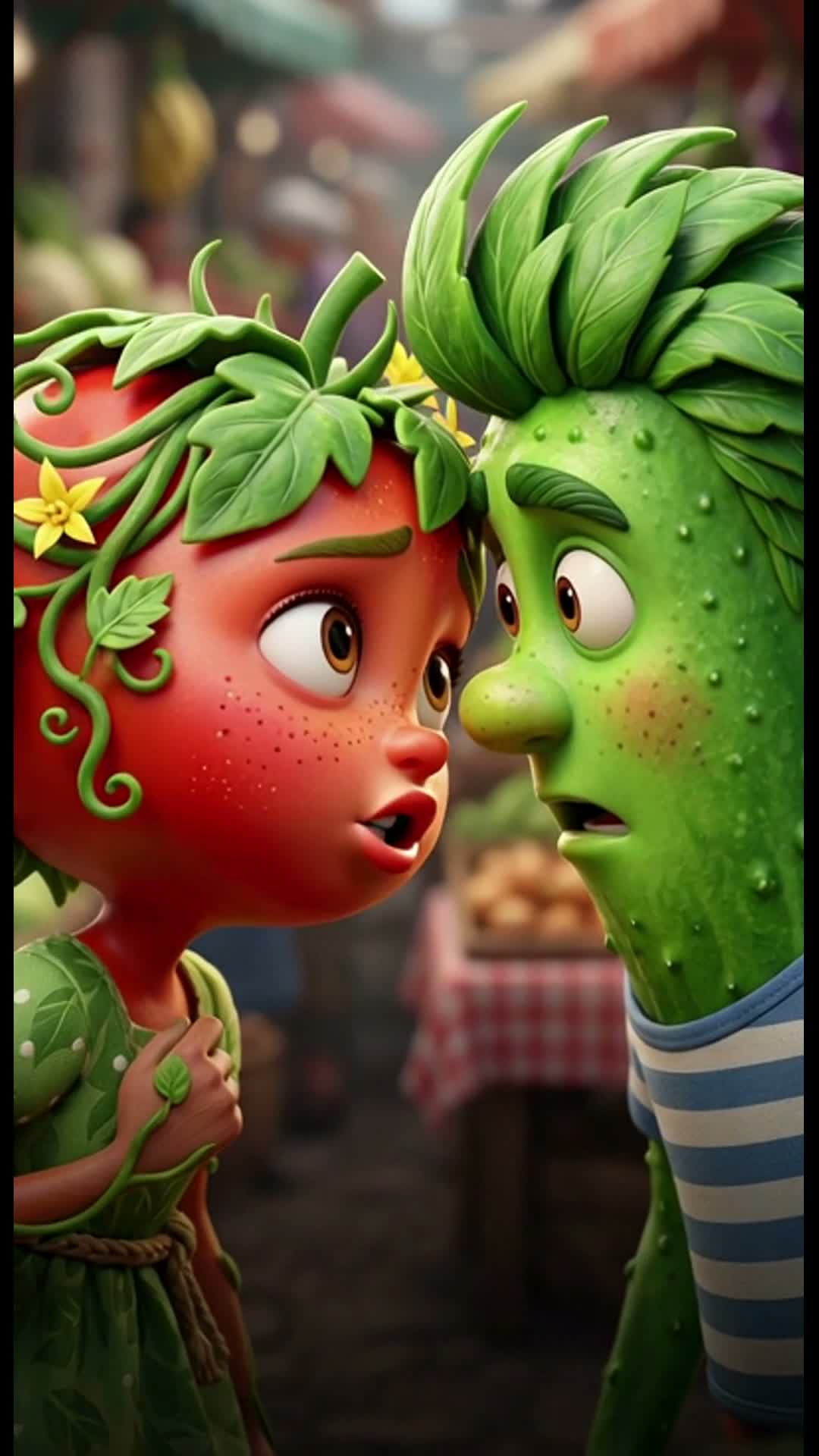
- Upload a photo. Your own, a friend’s (with consent), or a brand mascot.
- Check the features. The system fills in the appearance/behavior anchors — you edit them in the preview.
- Stylize if you like. One click turns the photo into a cartoon character (Nano Banana 2).
- Use it as an Element. One character — every scene and every future clip.
Not "describe the face," but "show the face." The system handles the rest.— Path B, "Soul from a photo"
Соберите своего героя в Vini Studio
Облачный нодовый конструктор AI-видео: из идеи текстом — в готовый вертикальный ролик 9:16. Проект в закрытой бете — ищу авторов и партнёров.
✈️ Вступить в Telegram →Апдейты, ранний доступ и связь — в канале.